

FlowBeacon
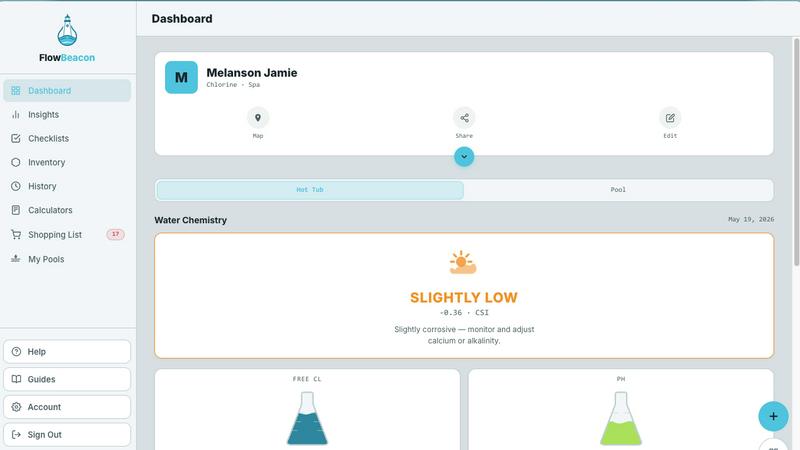
FlowBeacon combines pool water testing, chemical calculations and maintenance logs for DIY pool owners and commercial pool operators.
Categories
Pricing
About FlowBeacon
Pool care includes more than chemistry, and FlowBeacon is designed to keep both readings and service work attached to each pool. Users enter test results for calculated chemical adjustments, then log tasks such as brushing, filter cleaning and pump service. Notes and photos can accompany the visit record, helping preserve details that may matter at the next service.
Homeowners can use it as a structured companion for routine care, while operators get tools intended for work across multiple pools. The product also includes inventory tracking, checklists, trends and calculators. Its plan limits differ: the free tier is for one pool, DIY supports up to three, and Pro is aimed at operators needing unlimited pools and property or client management. Those distinctions make pool count and workflow complexity useful starting points when evaluating fit.
Features
- Water readings with chemistry calculations
- Visit records with photos, notes and maintenance tasks
- Inventory, checklists and shopping list
- Trends, calculators and multi-pool support
Use cases
- Keep a home pool's testing and service history together
- Record recurring maintenance during pool visits
- Coordinate records across a commercial pool route
Pricing
Free plan at $0; DIY at $7 per month; Pro at $19 per month. Prices are in USD. New accounts start with a 30-day Pro trial.
Frequently asked questions
Can I record maintenance tasks as well as tests?
Yes. FlowBeacon describes logging brushing, vacuuming, backwashes, filter cleans, pump service and other work.
Which plan supports multiple pools?
The DIY plan lists up to three managed pools; Pro lists unlimited pools. The Free plan covers one.
Are visit photos supported?
Yes. Photos can be attached to the visit they belong to, alongside notes and the work record.
Similar products
Compare alternatives

TrueLaunch
TrueLaunch is an app and game discovery community where developers launch listings and receive structured feedback from reviewers.

SmartCV
Create resumes with editable templates, AI writing and job-description suggestions, plus text checks and application tracking.

BE THE ONE
BE THE ONE is a daily practice app for reflection, movement, breathwork, meditation, affirmations and creative work.

GridCraft
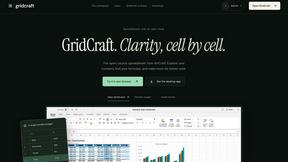
GridCraft is a free, open-source spreadsheet app for trying XLSX files in a browser or desktop workspace before choosing a longer-term workflow.

Dope Capybara
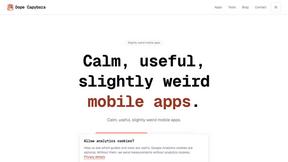
Dope Capybara is an Android app publisher with practical utilities, learning tools, and casual puzzles for everyday use.


PullClip
PullClip saves video and MP3 audio from popular platforms, with trimming, frame capture and a browser-based workflow that needs no account.

Kivloo
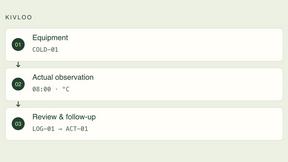
Kivloo gives site teams phone-based safety checks, offline saving and searchable records for managers to review across locations.


Infograph
Infograph makes scrolling visual stories from text, with editable templates and source-checked figures for learning and work.