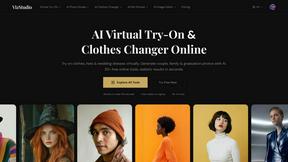

VizStudio
VizStudio brings AI video and image tools together, but new account registration and image generation are currently closed to new users.

112 listings
VizStudio brings AI video and image tools together, but new account registration and image generation are currently closed to new users.
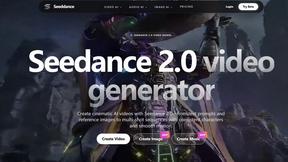

Turn text prompts and reference images into cinematic AI video, with multi-shot consistency for social and storytelling projects.
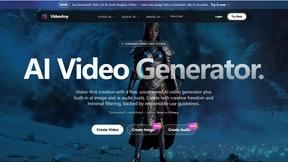

VideoAny combines AI video, image, and audio tools in one studio for creators producing social, advertising, and storytelling content.
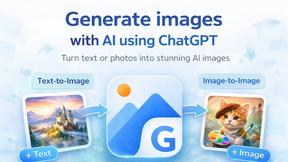

Image2GPT creates and edits images with GPT-Image-2, offering prompt-based generation, reference image editing, inpainting, and flexible output sizes.

HappyHorse turns text, images, video, and audio references into short videos with camera controls, clip extension, and generated sound.

GPT Image 2 creates prompt-based and image-based visuals, with claimed text accuracy, realistic rendering, and support for up to 4K output.

GenMix combines AI image and video generation in one browser studio, with photo-to-video tools and a shared credit balance.
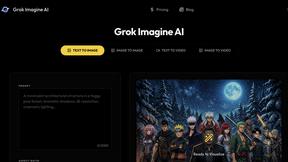

Turn text prompts or source images into AI image and video concepts, with settings for aspect ratio and workflows for creative iteration.
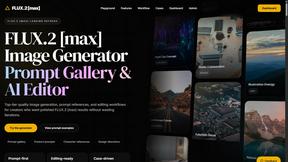

Explore FLUX.2 [max] prompt examples and editing workflows, then move into a generator to create product, character, and design imagery.
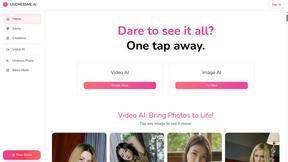

UndressMe AI turns uploaded photos into AI-edited images or animated clips, using gem credits for adult users working with consenting adults.
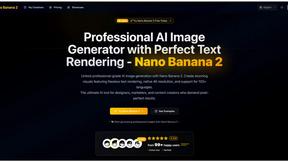

Generate or edit images from prompts and reference photos, with text rendering and high-resolution options for creative work.
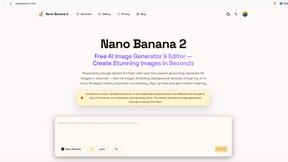

Use Nano Banana 2 in your browser to generate images from prompts or revise photos, with 14 aspect ratios and output up to 4K.
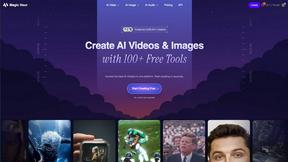

Magic Hour brings AI video, image generation, editing, and speech tools together for creators and teams in one online studio.
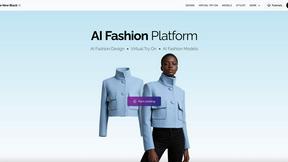

Generate fashion product images on realistic AI models, with options to choose the model and reuse a consistent identity across a collection.
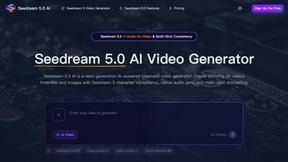

Seedream 5.0 AI creates images up to 2K resolution and short videos, with natural-language editing and controls for styles and multi-subject scenes.
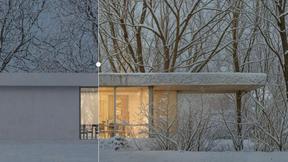

Vaethat offers batch AI enhancement and upscaling for architectural renders, with region tools and layered PSD export for visualization teams.
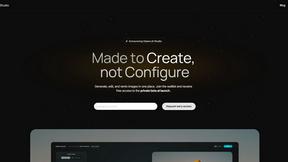

Gleem.AI Studio brings AI image generation, prompt-based editing, and avatar tools into one canvas for visual creators.
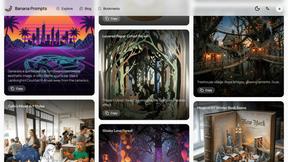

Explore a subject-organized Nano Banana prompt library with copy-ready examples and visual filters for image makers working across creative fields.
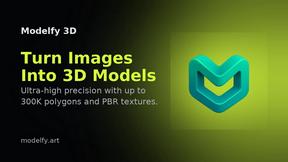

Modelfy 3D turns a single image into a 3D model, with selectable polygon quality levels and exports for games, 3D software and printing.
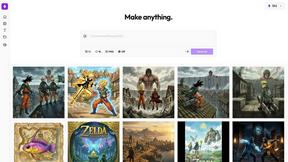

Generate Nano Banana Pro images with Nani, then save prompts and group results into sets for repeatable creative workflows.
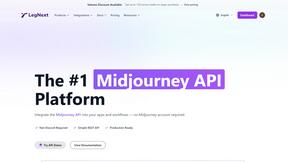

Legnext gives developers a REST API for Midjourney image and video generation, with pay-per-task credits or optional account linking.
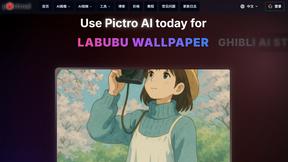

Picmal is an offline Mac app for batch media conversion, compression, transcription and editing across common file types.
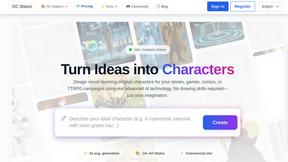

Generate original character art from text prompts, with themed styles and editing tools for creators working on stories, games and comics.
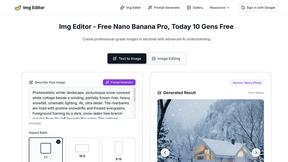

Img Editor generates images from text prompts, with controls for aspect ratio and output quality plus an image editing mode.
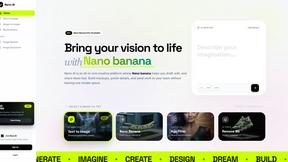

Nano AI combines text-to-image, image editing, and creative image tools for people building and refining visual concepts.


Find and upvote new software launches, or submit a SaaS or tech product for free or paid visibility.
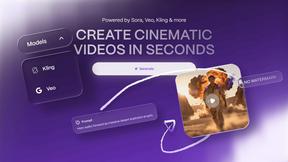

Vailo puts image, video, motion and 3D generation and editing in one studio, with models drawing from a shared credit balance.
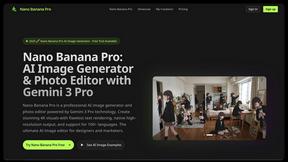

Nano Banana Pro generates and edits images with support for readable text, high-resolution output and multilingual visual content.
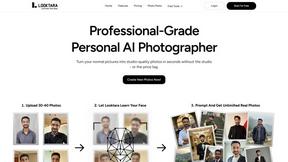
Looktara makes AI portraits from a personal model trained on uploaded photos, for people seeking professional and social profile images.
QuickImg lets creators generate, edit, and enhance images with several AI models and a collection of task-specific visual tools.
NanoImg combines AI image creation, editing, and video tools in one workspace, letting users start from a prompt or modify uploaded reference images.
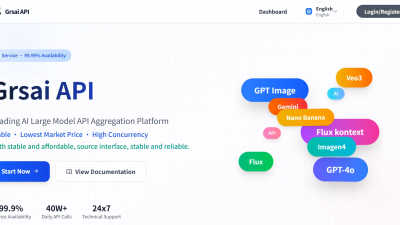
Grsai API provides a credit-billed interface to multiple AI models for developers building text, image, or video generation workflows.
Image Generation tools use artificial intelligence to create visual content from text descriptions, sketches, reference images, and creative prompts. This category includes AI art generators, text-to-image platforms, style transfer tools, AI avatar creators, and product mockup generators that transform ideas into visual content.
Whether you are creating marketing visuals, generating concept art, producing social media graphics, building product mockups, or exploring creative AI art, these tools provide accessible image creation capabilities that were previously available only to skilled designers and illustrators.
Compare image generation tools by their output quality, style options, customization controls, generation speed, and pricing to find the right AI image creation solution for your visual content needs.
This category includes text-to-image generators, AI art platforms, style transfer tools, AI avatar and portrait creators, product mockup generators, logo creators, and specialized image generation tools for marketing, social media, and creative projects.
Modern AI image generators produce photorealistic and artistically compelling images that are suitable for many commercial and creative applications. Quality varies by tool and prompt, with the best tools delivering output comparable to professional design work.
Licensing varies by tool. Many platforms grant commercial usage rights for generated images, but terms differ regarding exclusivity, attribution requirements, and specific use cases. Always check the licensing agreement for each tool.
No. Most image generation tools accept natural language descriptions and generate images automatically. Learning to write effective prompts improves results, but no traditional design skills are required to produce quality visual content.
Write detailed, specific prompts that describe style, composition, lighting, mood, and subject matter clearly. Experiment with different wording, use negative prompts to exclude unwanted elements, and iterate on results to refine your output.
Common limitations include inconsistent text rendering in images, difficulty with specific hand and finger details, challenges with exact brand reproduction, and potential style biases from training data. Results improve with each tool update.