
VideoByPrompt
Generate short AI videos from text or photos with VideoByPrompt, including vertical, square and landscape clips up to 1080p.

112 listings
Generate short AI videos from text or photos with VideoByPrompt, including vertical, square and landscape clips up to 1080p.
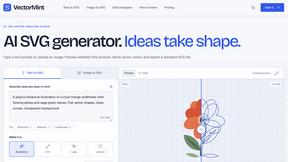

VectorMint generates editable SVGs from prompts or images, with preview and color tools for designers creating scalable vector artwork.
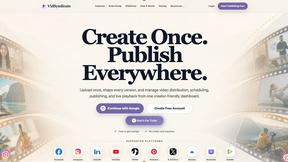

VidSyndicate helps creators prepare, schedule, and publish social content across connected channels from one AI-assisted workspace.
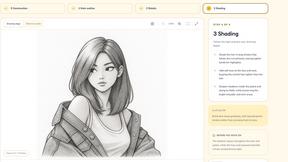

Drawcil turns personal reference photos into four-stage pencil lessons with guidance for self-paced drawing practice.
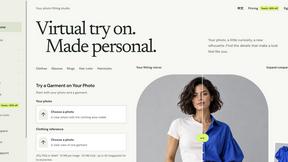

Explore how clothes, glasses, rings and hairstyles may look on your photo, then inspect the preview beside the original image.
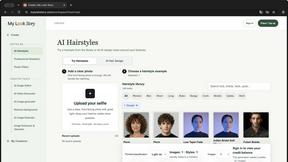

Preview hairstyles on your photo, create professional headshots, and use AI tools to generate or edit images and short videos.


All-in-One Managed IT Platform on Credits — Hosting, VPS, AI Agents, Business Email & Software Development

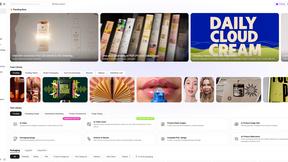

Rhinobird turns product photos into listing images, image sets and ads, and includes video and packaging creation tools for product teams.
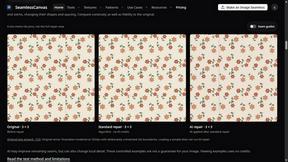

Turn uploaded artwork into a repeating texture with browser-based repairs, repeat previews and PNG exports.
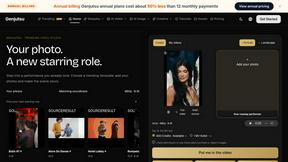

Genjutsu helps creators turn reference photos into short, soundtrack-matched videos with trending templates and remix examples.
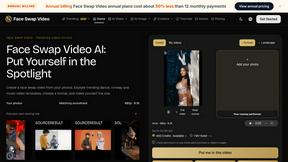

Create short face swap videos from your photos using trending dance, runway and music video templates in portrait or landscape formats.

EveryGen AI brings image and video generation, editing, and browser-based picture tools together in one creative workspace.

GenX.art brings AI image, video, and audio generation into one workspace, with model choices, reference inputs, and credit estimates before creation.

AI Age Filter creates an AI aging preview from an adult portrait, offering four increments and a labelled PNG download.
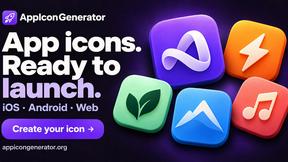

Create platform-ready app icon exports from an image, with previews and options for iOS, Android, web, and Chrome.
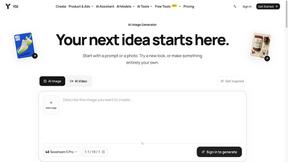

YIX creates AI images and short videos from text or reference photos, including product scenes, portraits and photo restoration.
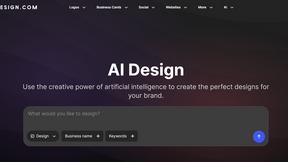

Design.com creates polished images from text prompts, with multiple results and visual styles for digital, social, marketing and creative work.
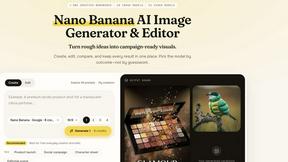

Create and edit images with 20 AI models, see credit costs before each run, and use the same balance for video models.
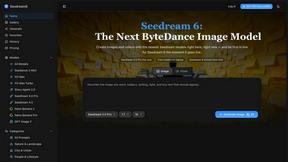

Seedream6 is an online image and video generator with Seedream image models, editing tools, and free credits for new accounts.
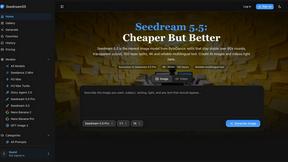

Seedream 5.5 is built for iterative image work, with stable multi-round edits, transparent output, up to 100 layers and 4K resolution.
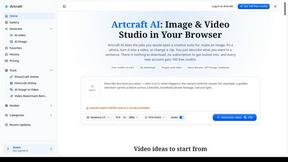

Artcraft AI is an online image and video studio for generating visuals, editing photos, and animating still images from prompts.
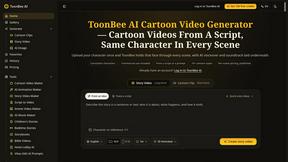

Create scripted cartoon videos with recurring characters, narration, and formats for short clips or longer stories.
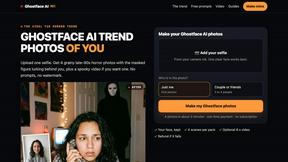

Ghostface AI turns a selfie into four grainy 1990s horror scenes, with an optional short vertical video for TikTok, Reels and Shorts.
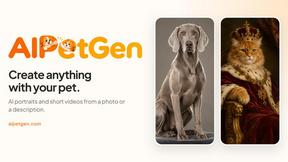

Create customized pet images and short videos from a photo or prompt, with control over scenes, style, and motion.
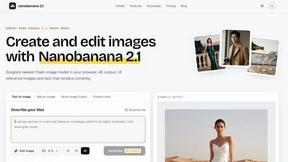

Generate and edit images in a browser with up to 14 references, 4K resolution, and options for product visuals and consistent characters.
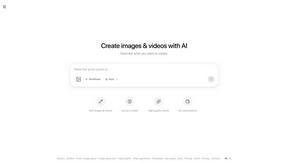

Create images and video from chat prompts, then edit or transform assets using ImageGPT's range of AI and media tools.
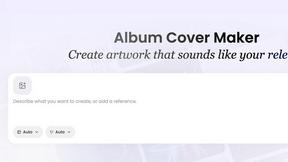

Create square music cover art from a prompt or reference image, then refine the concept for singles, mixtapes, albums and playlist releases.
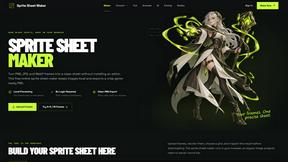

Create a game animation sheet from PNG, JPG, or WebP frames, with browser-based ordering, adjustable layouts, live preview, and PNG export.
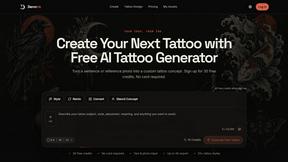

DermInk turns text prompts and reference images into tattoo concepts, with 20+ styles and controls for comparing and refining designs.
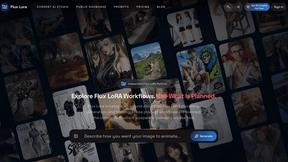


Create editable image layers from photos or illustrations with AI separation and export to PSD, ZIP, or PNG.
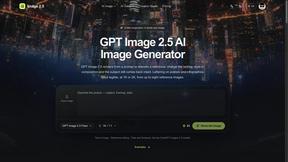

Generate and edit images with GPT Image 2.5, changing a scene, style or composition while preserving the subject and readable text.
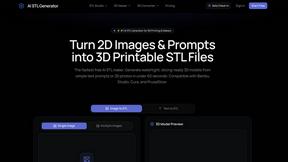

Generate printable 3D meshes from text prompts or images, with an interactive preview and tools for checking and repairing geometry.
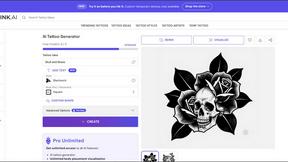

BlackInk AI generates custom tattoo concepts and supports body visualization, with inspiration organized across styles, subjects, and placements.

A creative workspace for AI image generation, photo editing, video creation, and music, with multiple models and visible credit costs.
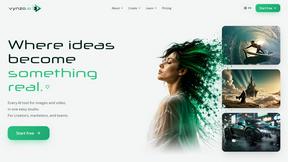

Vynzo puts AI image and video generation, prompt-based edits, and face swapping in one studio, using credits instead of a recurring subscription.
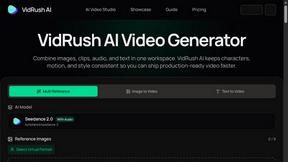

VidRush AI offers image generation alongside video and music tools, helping visual creators turn prompts and source images into varied media.
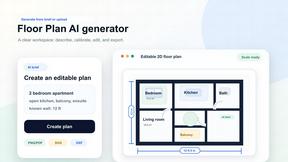

Generate floor plan drafts from room briefs, dimensions, or reference images, then review layouts and openings before sharing a PNG.
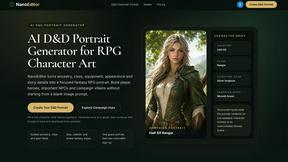

Build campaign-ready fantasy RPG portraits from structured character details, with style choices for heroes, NPCs and villains.
Image Generation tools use artificial intelligence to create visual content from text descriptions, sketches, reference images, and creative prompts. This category includes AI art generators, text-to-image platforms, style transfer tools, AI avatar creators, and product mockup generators that transform ideas into visual content.
Whether you are creating marketing visuals, generating concept art, producing social media graphics, building product mockups, or exploring creative AI art, these tools provide accessible image creation capabilities that were previously available only to skilled designers and illustrators.
Compare image generation tools by their output quality, style options, customization controls, generation speed, and pricing to find the right AI image creation solution for your visual content needs.
This category includes text-to-image generators, AI art platforms, style transfer tools, AI avatar and portrait creators, product mockup generators, logo creators, and specialized image generation tools for marketing, social media, and creative projects.
Modern AI image generators produce photorealistic and artistically compelling images that are suitable for many commercial and creative applications. Quality varies by tool and prompt, with the best tools delivering output comparable to professional design work.
Licensing varies by tool. Many platforms grant commercial usage rights for generated images, but terms differ regarding exclusivity, attribution requirements, and specific use cases. Always check the licensing agreement for each tool.
No. Most image generation tools accept natural language descriptions and generate images automatically. Learning to write effective prompts improves results, but no traditional design skills are required to produce quality visual content.
Write detailed, specific prompts that describe style, composition, lighting, mood, and subject matter clearly. Experiment with different wording, use negative prompts to exclude unwanted elements, and iterate on results to refine your output.
Common limitations include inconsistent text rendering in images, difficulty with specific hand and finger details, challenges with exact brand reproduction, and potential style biases from training data. Results improve with each tool update.