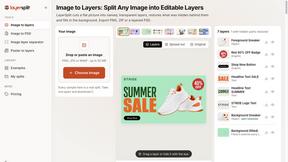

LayerSplit
Split a flat image into named, transparent layers with the background filled in. Export PNG files, a ZIP or a layered PSD. Your first split is free.

Split a flat image into named, transparent layers with the background filled in. Export PNG files, a ZIP or a layered PSD. Your first split is free.


Shoot 3-4 frame photo strips in your browser. Frames, filters and print-ready 300 DPI downloads with no watermark. No app, no sign-up.


Turn your pet's photos into a private virtual room, daily care, albums and dated memories.
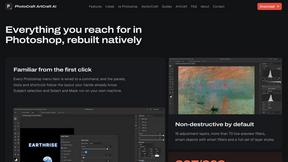

An independent guide to PhotoCraft, a free open-source image editor with downloads, tutorials, PSD support, and practical setup guidance.
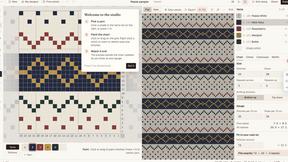

Free browser tool that turns a photo into a knitting chart. No account.


AI creative studio for cinematic photo ideas, fashion edits, festive greetings, couple photography, and photo-to-video concepts.


Free online calculators and practical browser tools for math, business, SEO, text, PDF, images, and developer workflows. No signup required.
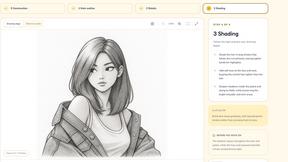

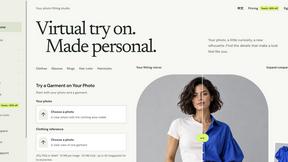

Try on clothes, glasses, rings, hairstyles, and hair colors on your own photos with AI.
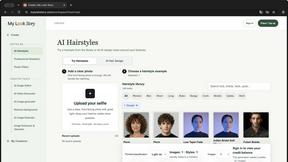

AI hairstyle previews, portrait editing, image generation and short videos in one web workspace.
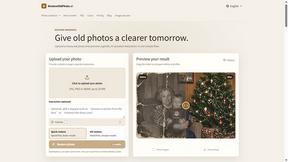

Restore old photos with RestoreOldPhoto.ai: repair scratches, creases and fading, sharpen faces and details, and optionally colorize family memories.

Free AI age filter: upload an adult portrait, add 10-40 years, meet your older self. No app needed.


Generate iOS and Android app icons from any image and export all platform sizes for free.
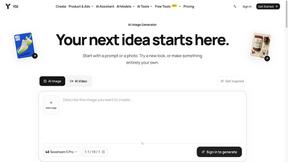

AI image and video generation, photo editing, restoration and free prompt tools in one browser studio.
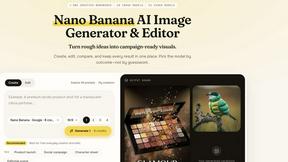

Create and edit AI images, generate videos, and compare models in one creative workbench.
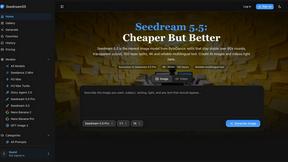

Seedream 5.5 by ByteDance: 80+ rounds of stable image editing, native RGBA transparency, 100-layer splits, 4K output and reliable multilingual text.
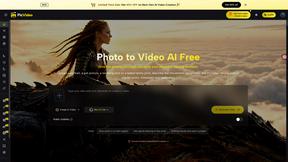

Turn photos into animated videos with AI. Free credits on selected models; paid options for private, watermark-free results.
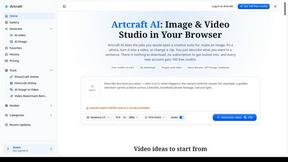

AI image and video studio in your browser: generate and edit images, turn photos into videos, edit clips by sentence.
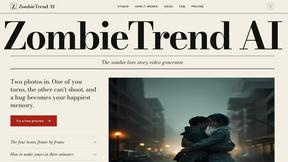

Turn two photos into a cinematic AI zombie love story video with sound, a free scene preview, and no watermark.
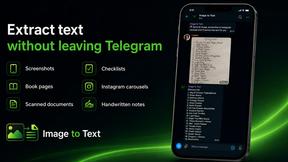

imgtxtapp.laviolab.com is a Telegram-based image-to-text converter that turns photos, screenshots, scanned documents into editable text
PoseUp is an advanced AI-powered tool designed to enhance photo poses, posture, and composition with just one click. As a part of the image and photo category, it makes professional-level results accessible to everyone, from casual users to seasoned photographers. However, users often seek alternatives due to various factors such as pricing, specific feature sets, or compatibility with different platforms. A good alternative should offer similar capabilities, ease of use, and flexibility in image formats while fitting within the user’s budget and workflow needs. When considering alternatives, look for tools that provide intuitive interfaces, effective AI technology for posture correction, and a supportive community. It’s also beneficial to explore options that offer a free trial or credits, ensuring you can test the service before committing to a subscription.
PoseUp is an AI-powered tool designed to enhance photo poses, posture, and composition with a single click.
PoseUp is ideal for casual users, professional photographers, social media influencers, and anyone looking to improve their photography.
PoseUp offers 50 free credits for new users to get started with photo enhancements.
PoseUp features one-click photo enhancement, AI posture correction, and versatile image support for various file formats.