Alternatives to Verla AI
AI academic assistant for writing, research, presentations, and coding
Explore 20 alternatives to Verla AI. Compare features, pricing, and find the best fit for your needs.

Live Face Swap
A planned browser-based AI webcam face swap tool centered on choosing a reference, reviewing a live preview and stopping a session. Coming soon.
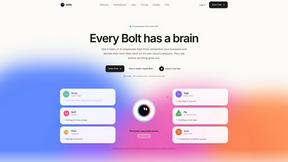
Bolts
AI employees with a brain and their own cloud computer. They think, remember your business and work 24/7.

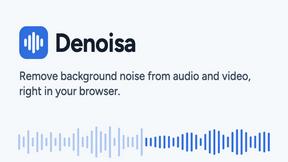
Denoisa
AI background noise remover that runs entirely in your browser — your voice stays, the noise goes.

Waifu Deck
Free open-source Android anime art deck unifying 10 image boards with encrypted BYOS cloud sync.


Rhinobird
AI video ads, UGC-style videos, and product visuals for cross-border sellers and e-commerce brands.

dreamina ai
Make any images possible — generate, edit, and transform images with AI models like GPT Image and Gemini in seconds.

Verva
AI humanizer that transforms AI-generated text into natural, undetectable writing that bypasses AI detectors.

LaunchIntel
Your AI agent picks relevant directories, submits your product in your browser and tracks every step. One-time purchase.

Easemic
Free open-source Android comic & manga cloud reader streaming encrypted libraries from S3, WebDAV & OPDS.

GenX
All-in-one AI workspace to generate images, videos, and audio with multiple leading AI models.
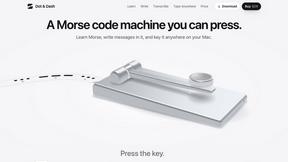
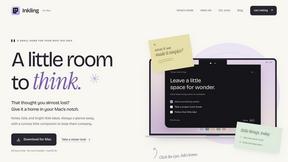
Dot & Dash
Learn Morse code on a machine you can press. Write and send messages, turn Morse into text and back, and key Morse in any app on your Mac.
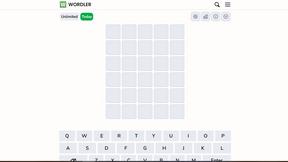
Wordler
Wordler is a free web-based platform designed for word puzzle enthusiasts, offering Wordle-style challenges and engaging brain games.

Bloom
An adaptive AI tutor that turns topics or your materials into courses, lessons, and answers tailored to how you learn.

PracticeNetworking
Master networking with interactive, hands-on practice directly in your browser. Solve real terminal challenges, debug routes, and build core IT skills
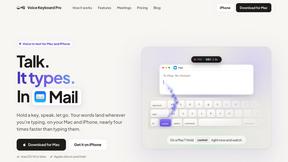
Voice Keyboard Pro
Hold a key, say what you mean, let go. Clean, punctuated text lands at the cursor in any app on your Mac or iPhone.