AECharts vs Tickari
Side-by-side comparison to help you choose the right product.

AECharts
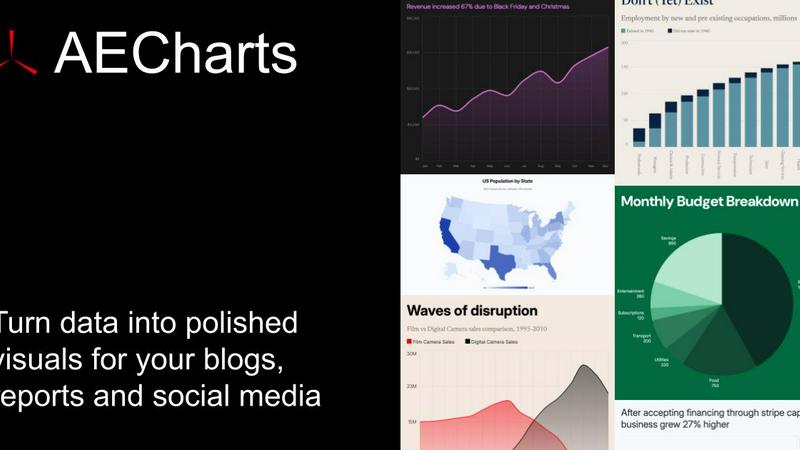
Animated chart maker for presentations and videos

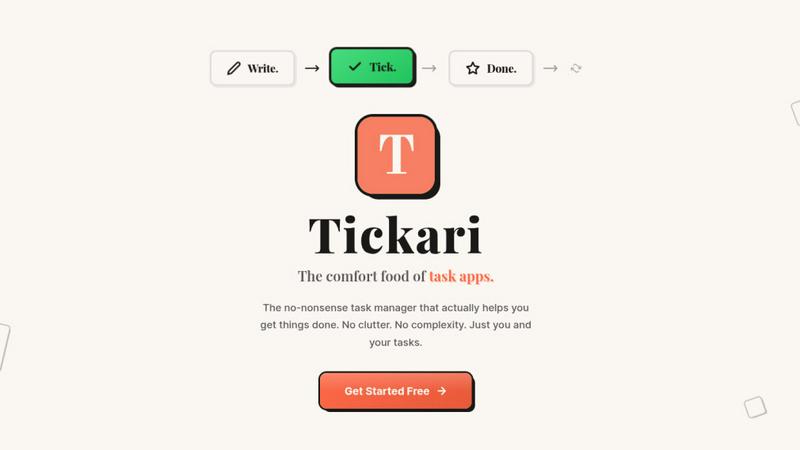
The no-nonsense task manager that actually helps you get things done. No clutter. No complexity. Just you and your tasks.
Visual Comparison
AECharts
Tickari
Overview
About AECharts
AECharts is a browser-based tool for creating animated chart videos — no design skills, no software installs, no video editing experience required.
Upload a spreadsheet, paste your data, or connect a Google Sheet, and AECharts turns it into a polished animated video in minutes. Choose from bar charts, line charts, pie charts, bar chart races, and more. Every chart comes with professional templates you can customize: change colors, fonts, sizing, and branding to match your style.
When you're ready, export as MP4 and share anywhere — YouTube, LinkedIn, Instagram Reels, TikTok, presentations, newsletters, or pitch decks. Animated charts consistently outperform static images for engagement, and AECharts makes them as easy to produce as a screenshot.
Built for marketers, journalists, researchers, and founders who need to communicate data clearly and memo
About Tickari
Tickari is a deliberately minimal, no-nonsense task manager designed for people who are tired of overcomplicated productivity tools and just want to get things done. Instead of overwhelming you with features like complex boards, AI-generated suggestions, or endless customization, Tickari focuses on a simple, frictionless workflow: write a task, tick it off, and move on.
The product embraces a “less but better” philosophy—eliminating clutter, reducing cognitive overhead, and removing the need for onboarding tutorials or setup processes. There are no distractions, no unnecessary decisions, and no feature bloat—just a clean interface that works instantly the moment you open it. This makes it particularly effective for users who feel stuck organizing tasks instead of actually completing them.