Assured vs Tickari
Side-by-side comparison to help you choose the right product.

Assured
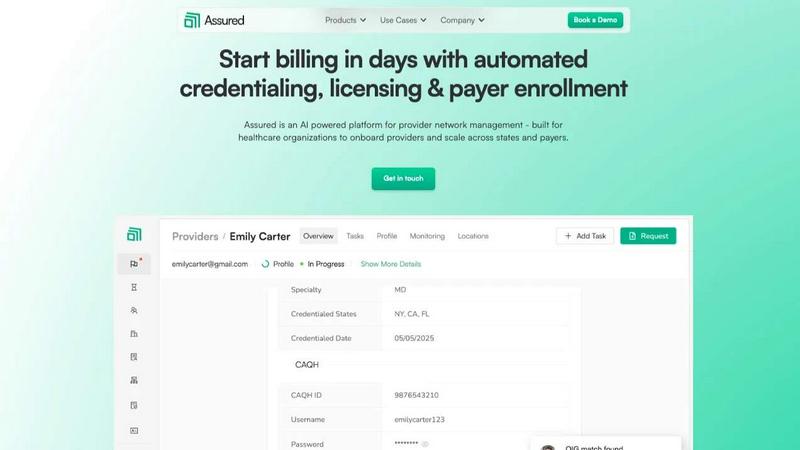
Assured uses AI to automate provider credentialing and enrollment so healthcare companies can start billing in days, not months.

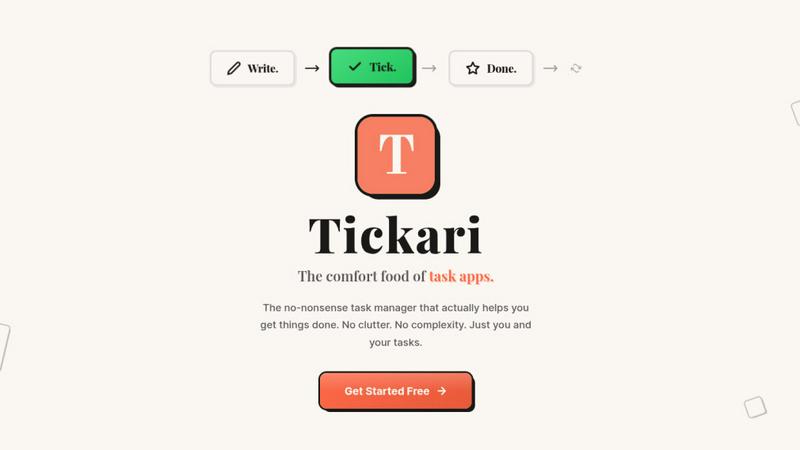
The no-nonsense task manager that actually helps you get things done. No clutter. No complexity. Just you and your tasks.
Visual Comparison
Assured
Tickari
Overview
About Assured
Assured is an AI-powered provider network management platform built to help healthcare organizations scale efficiently and stop losing revenue to administrative delays. It automates the complex, manual processes of credentialing, licensing, payer enrollment, and ongoing network monitoring. Designed for provider groups, health systems, payers, and digital health companies, Assured tackles the core problem of disconnected data and slow, error-prone manual work. Its core value proposition is dramatic speed and accuracy: get providers credentialed in 48 hours instead of 60+ days, achieve 95% first-pass approval rates for payer enrollments, and detect sanctions 22 days earlier than manual methods. As an NCQA-certified Credentials Verification Organization (CVO), Assured leverages AI to verify credentials across 2,000+ primary sources in parallel, auto-generate applications, and submit directly to payer portals. This means faster provider onboarding, quicker revenue generation, and complete peace of mind with real-time data monitoring, all from a single, centralized platform.
About Tickari
Tickari is a deliberately minimal, no-nonsense task manager designed for people who are tired of overcomplicated productivity tools and just want to get things done. Instead of overwhelming you with features like complex boards, AI-generated suggestions, or endless customization, Tickari focuses on a simple, frictionless workflow: write a task, tick it off, and move on.
The product embraces a “less but better” philosophy—eliminating clutter, reducing cognitive overhead, and removing the need for onboarding tutorials or setup processes. There are no distractions, no unnecessary decisions, and no feature bloat—just a clean interface that works instantly the moment you open it. This makes it particularly effective for users who feel stuck organizing tasks instead of actually completing them.