AutoPhish vs Playwriter
Side-by-side comparison to help you choose the right product.

AutoPhish uses AI to run realistic phishing simulations and train your team against cyber threats.
Last updated: March 1, 2026

Playwriter
Playwriter lets you control your existing Chrome browser with AI via CLI, providing full access to logins, extensions, and real-time interactions.
Last updated: March 18, 2026
Visual Comparison
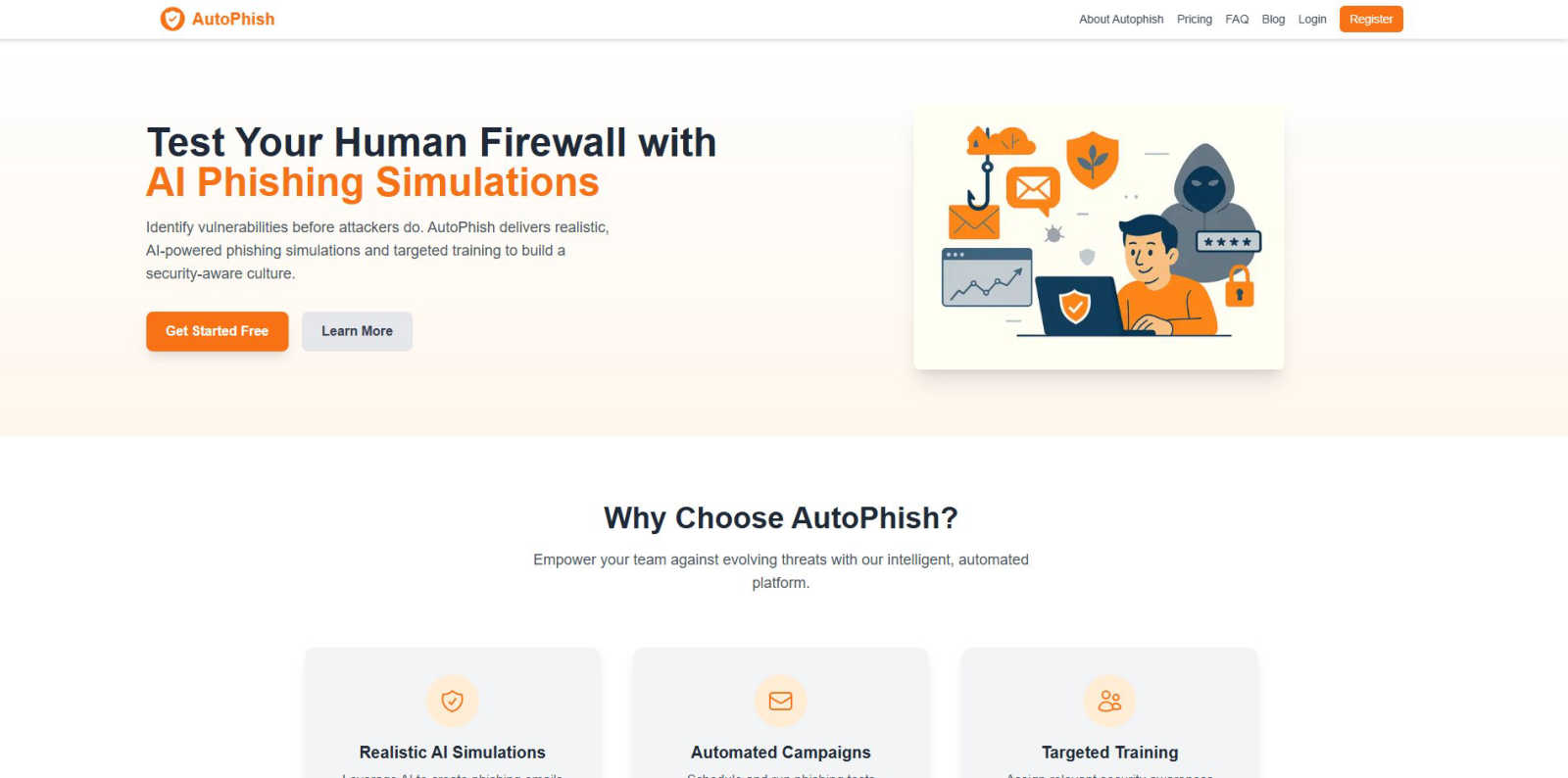
AutoPhish
Playwriter

Feature Comparison
AutoPhish
Realistic AI-Powered Simulations
AutoPhish utilizes cutting-edge AI technology to craft phishing emails that are virtually indistinguishable from real-world attacks. The system tailors these simulations to your specific industry, incorporating relevant lures, sender spoofing, and current threat tactics. This high-fidelity testing environment provides an accurate assessment of your team's susceptibility, revealing true vulnerabilities rather than testing against easily spotted, generic scams.
Automated Campaign Management
Eliminate manual setup and inconsistent testing schedules. With AutoPhish, you can configure and schedule entire phishing simulation campaigns to run automatically. Set the frequency, target employee groups, and specific templates, then let the platform execute consistently. This automation ensures ongoing security awareness training without draining IT resources, allowing for continuous improvement and benchmark tracking over time.
Targeted Security Awareness Training
The platform moves beyond simple testing by integrating automated, role-based training. When a user fails a simulation, AutoPhish can instantly assign them tailored educational content designed to address their specific mistake. Furthermore, training can be proactively assigned based on job function, ensuring high-risk departments like finance or HR receive relevant instruction, maximizing the impact and efficiency of your security awareness program.
Comprehensive Reporting & Analytics
Gain immediate, actionable insights with AutoPhish's advanced reporting dashboard. Track key metrics like click-through rates, credential submission attempts, and report rates across different departments and campaigns. Identify trends, pinpoint high-risk users or teams, and measure the ROI of your training efforts with clear, data-driven visuals that inform your broader cybersecurity strategy and compliance reporting.
Playwriter
Seamless Browser Integration
Playwriter connects directly to your existing Chrome session, ensuring that all your logins, extensions, and cookies are preserved. This eliminates the hassle of re-authenticating and allows agents to interact with the web as you do.
Full Playwright API Access
Unlike other tools that limit functionality, Playwriter provides agents with unrestricted access to the full Playwright API. This means agents can execute any Playwright code without needing wrappers, offering flexibility and power.
Real-Time Collaboration
With Playwriter, you can collaborate with your agent in real time. You can see what the agent is doing, intervene when necessary, and solve challenges like captchas or consent walls, all within the same browser session.
Advanced Debugging Tools
Playwriter includes a robust debugger that allows you to set breakpoints, perform live code editing, and intercept network requests. This makes troubleshooting and optimizing agent performance straightforward and efficient.
Use Cases
AutoPhish
Proactive Security Risk Assessment
Organizations use AutoPhish to conduct regular, controlled phishing tests to audit their human firewall's strength. By simulating real attacks, security teams can quantitatively measure employee susceptibility, identify which departments are most vulnerable, and uncover specific types of phishing lures that are most effective, providing a clear baseline for security posture before investing in broader training initiatives.
Compliance & Audit Readiness
For businesses in regulated industries, AutoPhish provides documented evidence of ongoing security awareness training and testing. The automated campaign logs and detailed reports demonstrate due diligence to auditors and regulators, showing a committed, repeatable process for educating employees about cyber threats, which is often a key requirement for standards like ISO 27001, SOC 2, or GDPR.
Onboarding New Employees
Integrate security awareness from day one by incorporating AutoPhish simulations into the employee onboarding process. New hires can be added to a gentle, educational campaign that introduces them to the company's security culture in a practical, engaging way. This sets clear expectations and immediately begins building their defensive instincts against social engineering attacks.
Post-Incident Reinforcement Training
Following a real security incident or a failed internal test, AutoPhish enables rapid, targeted response. Security admins can quickly deploy a follow-up simulation campaign using a similar attack vector to the one that succeeded, immediately reinforcing the lesson. Concurrently, they can assign mandatory training modules to affected users to ensure comprehension and behavioral change.
Playwriter
Automated Testing
Playwriter can automate the testing of web applications by allowing agents to simulate user interactions in real-time, making it easier to detect bugs and ensure functionality across different scenarios.
Data Scraping
Utilize Playwriter to create agents that gather information from websites efficiently. By leveraging your existing session and avoiding bot detection, agents can scrape data without compromising authenticity.
Content Generation
For marketers and content creators, Playwriter can automate the process of gathering insights from various web sources, allowing for the generation of relevant and timely content based on current trends.
Customer Support Automation
Integrate Playwriter to enhance customer support systems by automating repetitive tasks like answering FAQs or navigating through support portals, freeing up human agents for more complex queries.
Overview
About AutoPhish
AutoPhish is an AI-powered cybersecurity platform engineered to transform your workforce into a resilient human firewall. It's built for modern organizations that need to move fast and stay secure, providing a proactive defense against one of the most prevalent cyber threats: phishing. The platform's core mission is to identify security vulnerabilities within your team before real attackers can exploit them. By leveraging advanced artificial intelligence, AutoPhish generates hyper-realistic phishing simulation emails that are meticulously tailored to mimic industry-specific threats, moving beyond generic templates to test true employee vigilance. The process is fully automated, allowing you to schedule consistent, ongoing campaigns that require minimal manual oversight. Beyond just testing, AutoPhish closes the security loop with targeted training modules, automatically assigning relevant educational content to users based on their simulation performance and specific role within the company. This data-driven approach maximizes training effectiveness, builds a continuous security culture, and empowers every employee to recognize and resist sophisticated phishing attempts, ultimately providing a significant return on investment by mitigating costly breaches.
About Playwriter
Playwriter is a revolutionary tool designed to empower AI agents with full control over your actual browser session, complete with all your logins, extensions, and cookies. Unlike traditional AI agents that operate in isolated environments, often facing issues like instant bot detection and limited functionality, Playwriter seamlessly integrates into your existing Chrome setup. This means no more fresh instances that require reauthentication or lack critical tools. With a single Chrome extension and a powerful automation API, Playwriter allows agents to navigate and interact with web pages just as you would, significantly enhancing their performance. Ideal for developers, testers, and teams looking to streamline workflows, Playwriter provides an efficient and collaborative environment where AI complements human capabilities, ensuring smooth browsing experiences while tackling repetitive tasks.
Frequently Asked Questions
AutoPhish FAQ
How realistic are the AutoPhish simulations?
Extremely realistic. AutoPhish uses advanced AI to generate phishing emails that closely mimic current, real-world attack strategies. The platform allows for customization and tailoring to your specific industry, enabling simulations that spoof relevant vendors, use appropriate jargon, and replicate the latest tactics seen in malicious campaigns, providing a true test of your team's vigilance.
Is it difficult to set up and manage a campaign?
Not at all. AutoPhish is designed for efficiency. The process is streamlined into three simple steps: connect your domain, configure your campaign by choosing templates and targets, and schedule it. The platform's automation handles the execution, sending, and tracking. You can have your first phishing test running in minutes, with minimal ongoing management required.
What happens when an employee fails a test?
This is a critical learning moment. AutoPhish can be configured to provide immediate, constructive feedback. Typically, the user is presented with a notification that they were part of a simulated test. More importantly, the platform can automatically assign them targeted security awareness training content relevant to the type of phishing attempt they fell for, turning a failure into a powerful educational opportunity.
How does AutoPhish ensure safe and ethical testing?
AutoPhish operates with strict ethical guidelines. You must verify ownership of the domain you use to send simulations, ensuring tests come from a legitimate internal source. The platform is designed for educational purposes only, and it is recommended to have a clear internal policy informing employees they may be subject to periodic security testing. All simulations are controlled and contain no malicious payloads.
Playwriter FAQ
How does Playwriter maintain security during browsing?
Playwriter operates entirely on your local machine, with no remote servers involved. This ensures that sensitive data and browsing activities remain secure and private.
Can I use Playwriter with any existing Chrome extensions?
Yes, Playwriter works seamlessly with all your existing Chrome extensions, allowing your AI agents to leverage the full functionality of tools you already use in your browser.
What programming skills do I need to use Playwriter?
While familiarity with JavaScript and the Playwright API is beneficial, the installation of the skill package helps guide agents on how to effectively use Playwriter, making it accessible to various skill levels.
Is Playwriter open source?
Absolutely. Playwriter is open source and MIT licensed, allowing developers to contribute and customize the tool as needed while benefiting from community support and enhancements.
Alternatives
AutoPhish Alternatives
AutoPhish is a leading AI-powered platform in the cybersecurity awareness category, specializing in realistic phishing simulations and targeted training. It helps organizations proactively build a human firewall against evolving email-based threats. Teams often explore alternatives to find a solution that better aligns with their specific budget, desired feature set, or integration needs with existing security stacks. The search is typically driven by the need for a more customized fit. When evaluating options, prioritize platforms that offer realistic threat simulation, automated campaign management, and actionable reporting. The ideal tool should seamlessly scale with your team while delivering measurable improvements in employee security awareness.
Playwriter Alternatives
Playwriter is a cutting-edge tool designed to control Chrome using AI through a Command Line Interface (CLI) or a Multi-Client Protocol (MCP). It empowers users to bypass common limitations faced by AI agents, offering direct access to their actual browser sessions with all logins and extensions intact. This innovative automation solution falls under the automation category, making it invaluable for developers and tech-savvy users seeking to enhance their browsing experience. As users explore the market for alternatives, they often find themselves motivated by factors such as pricing, feature sets, and specific platform requirements. The search for an alternative may stem from the desire for more robust capabilities, a better user interface, or more flexible integration options. When evaluating alternatives, it's essential to consider factors like compatibility with existing tools, the comprehensiveness of features offered, and the overall ease of use to ensure that the new solution aligns with your automation needs.