BarBrain vs Tickari
Side-by-side comparison to help you choose the right product.

BarBrain
BarBrain transforms inventory management in hospitality, cutting your counting time by over 50% for accurate and efficient results.
Last updated: April 4, 2026

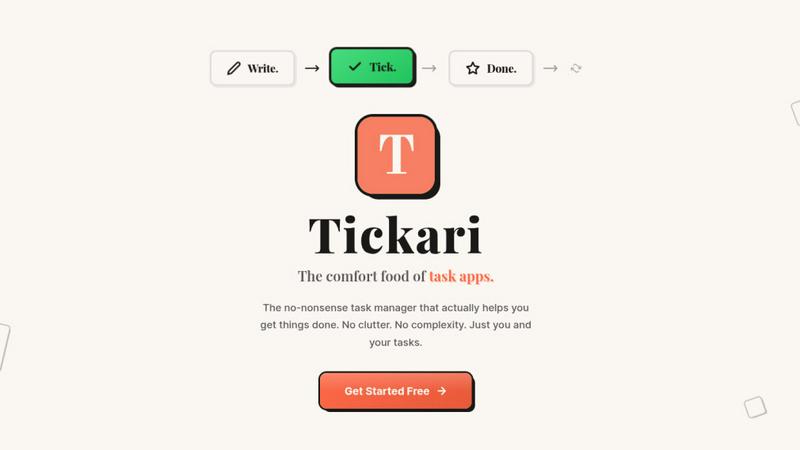
The no-nonsense task manager that actually helps you get things done. No clutter. No complexity. Just you and your tasks.
Visual Comparison
BarBrain

Tickari
Overview
About BarBrain
BarBrain is the revolutionary inventory management solution specifically designed for the hospitality industry. Understanding the unique challenges faced by bar and restaurant owners, BarBrain streamlines the inventory process, allowing users to count stock in minutes rather than hours. It effectively tracks pours, recipes, and perishables, addressing the limitations of generic warehouse software. BarBrain empowers operators with precise cost calculations for drinks and dishes, real-time waste and shrinkage alerts, and consolidated supplier orders—all within a user-friendly interface that requires no extensive training. Whether managing a single cocktail bar or a multi-location restaurant group, BarBrain equips users with reliable numbers to protect profit margins and eliminate financial leakage. With over 1,000 satisfied clients and a commitment to efficiency, BarBrain is reshaping the future of inventory management in hospitality.
About Tickari
Tickari is a deliberately minimal, no-nonsense task manager designed for people who are tired of overcomplicated productivity tools and just want to get things done. Instead of overwhelming you with features like complex boards, AI-generated suggestions, or endless customization, Tickari focuses on a simple, frictionless workflow: write a task, tick it off, and move on.
The product embraces a “less but better” philosophy—eliminating clutter, reducing cognitive overhead, and removing the need for onboarding tutorials or setup processes. There are no distractions, no unnecessary decisions, and no feature bloat—just a clean interface that works instantly the moment you open it. This makes it particularly effective for users who feel stuck organizing tasks instead of actually completing them.