CalcFi vs ConvertBankToExcel
Side-by-side comparison to help you choose the right product.

CalcFi
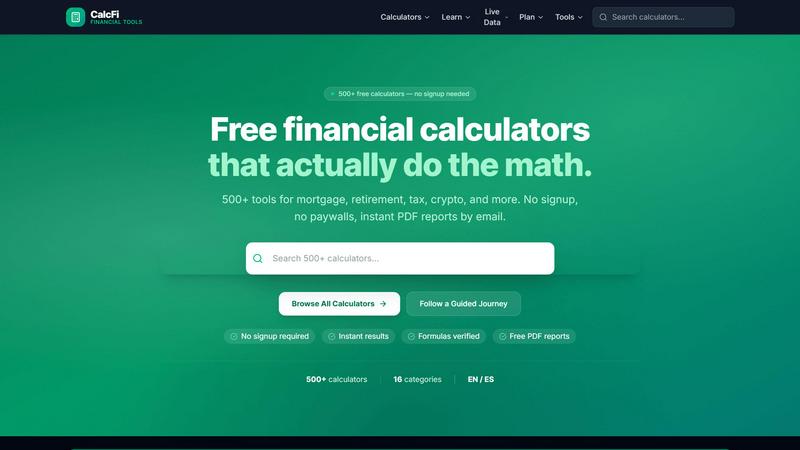
500+ free financial calculators — mortgage, compound interest, retirement, salary, tax, debt, investing & more. No signup, instant results.

ConvertBankToExcel
ConvertBankToExcel swiftly transforms your PDF bank statements into accurate Excel, CSV, QBO, and OFX formats in under.
Last updated: February 26, 2026
Visual Comparison
CalcFi
ConvertBankToExcel

Overview
About CalcFi
CalcFi is a free, no-signup financial calculator platform with 500+ tools covering mortgage payments, compound interest, retirement savings, salary/paycheck, tax brackets, debt payoff, investment returns, budgeting, net worth, and more. State-specific data for all 50 US states. Dark-mode UI, mobile-first, instant results. Built with Next.js, deployed on Vercel.
About ConvertBankToExcel
ConvertBankToExcel is a revolutionary AI-powered platform designed specifically for accounting professionals seeking to streamline their workflow by converting bank statements into usable formats. This tool addresses a significant pain point: the tedious and error-prone manual data entry that often accompanies financial record-keeping. With ConvertBankToExcel, you can effortlessly extract transaction data from PDF bank statements and convert it into popular formats like Excel, CSV, and QuickBooks. The platform supports over 20 major US and Canadian banks, making it an invaluable resource for CPAs, bookkeepers, and financial analysts. With a 99% accuracy rate, CPA verification, and rapid processing times of less than 30 seconds, ConvertBankToExcel not only saves time but also minimizes the risk of human error. Whether you require a one-time conversion or regular processing, this tool adapts to your needs, allowing you to focus on what truly matters—growing your business.