NationGraph vs Tickari
Side-by-side comparison to help you choose the right product.

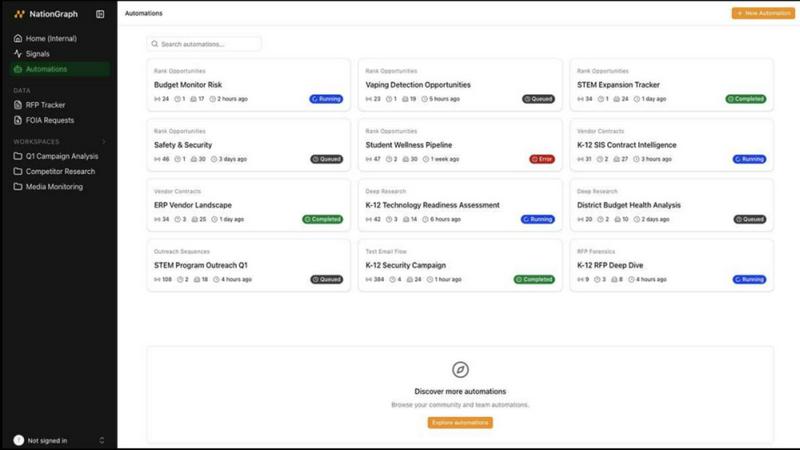
Predictive buying intelligence for sales teams selling to state, local, and education government (SLED). Indexes 110,000+ government institutions.

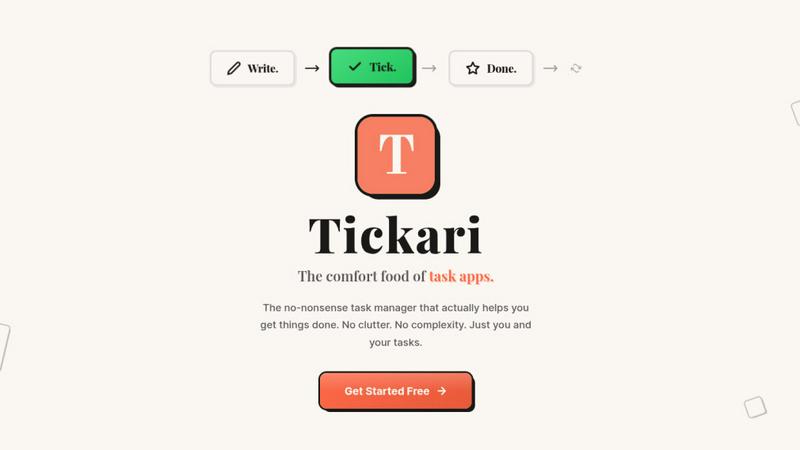
The no-nonsense task manager that actually helps you get things done. No clutter. No complexity. Just you and your tasks.
Visual Comparison
NationGraph
Tickari
Overview
About NationGraph
NationGraph makes the public sector legible and accessible to businesses. We index over 110,000 government institutions and 4 million government webpages to surface predictive buying intelligence for sales teams selling to state, local, and education (SLED) government.
Signals: Predictive intelligence on government purchasing decisions. Cross-references council meetings, budgets, purchase orders, contracts, capital improvement plans, and active RFPs to surface real buying triggers — not just keyword mentions.
Contacts: AI-powered search that matches government decision-makers by role, with verified emails and direct phone numbers. Reach the right buyer on the first call.
Public Record Automations: Unlocks hard-to-access government documents at scale. Handles FOIA requests, extraction, and structured delivery into existing sales tools.
Automations: Turn signals and public-sector data into repeatable workflows — ranked institution lists, competitor contract research via FOIA, and CRM syncs to Salesforce and HubSpot.
Results: 60x faster account research, 230% average increase in pipeline coverage, 3-5x higher win rate on RFPs.
Founded in 2024. $22.5M raised, Series A led by Menlo Ventures with participation from Perplexity's Fund.
About Tickari
Tickari is a deliberately minimal, no-nonsense task manager designed for people who are tired of overcomplicated productivity tools and just want to get things done. Instead of overwhelming you with features like complex boards, AI-generated suggestions, or endless customization, Tickari focuses on a simple, frictionless workflow: write a task, tick it off, and move on.
The product embraces a “less but better” philosophy—eliminating clutter, reducing cognitive overhead, and removing the need for onboarding tutorials or setup processes. There are no distractions, no unnecessary decisions, and no feature bloat—just a clean interface that works instantly the moment you open it. This makes it particularly effective for users who feel stuck organizing tasks instead of actually completing them.