ScopeSnap vs Tickari
Side-by-side comparison to help you choose the right product.

ScopeSnap
ScopeSnap instantly turns your discovery notes into structured project scopes and client-ready proposals.
Last updated: March 18, 2026

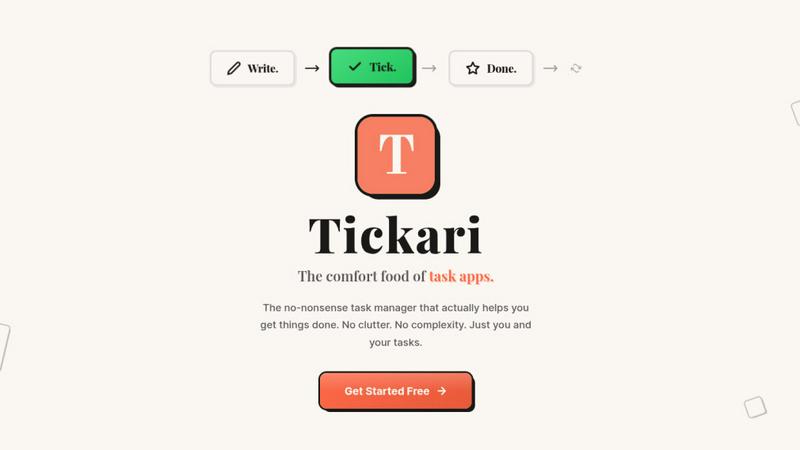
The no-nonsense task manager that actually helps you get things done. No clutter. No complexity. Just you and your tasks.
Visual Comparison
ScopeSnap

Tickari
Overview
About ScopeSnap
ScopeSnap is the AI-powered scoping engine built to eliminate the chaos and risk from custom software project estimation. It is designed specifically for freelance developers, consultants, and software agencies who are tired of the slow, error-prone process of turning messy discovery notes into clear project plans. The core value proposition is speed, accuracy, and professionalism: transforming vague client conversations into structured, estimatable backlogs and client-ready proposals in minutes, not hours. Instead of starting from a blank page, you feed ScopeSnap your raw inputs--meeting transcripts, email threads, and scattered notes--and its AI gets to work. It intelligently breaks down the project idea into epics and detailed scope items, surfaces critical assumptions, and flags open questions that need client clarification. This creates a solid foundation for precise estimation. Once the scope is refined, ScopeSnap automatically generates a polished, professional Proposal or Statement of Work document, ready for client presentation. It streamlines the entire pre-sales workflow, turning a traditionally tedious and risky task into a competitive advantage, ensuring you capture all requirements and deliver accurate, defensible estimates every time.
About Tickari
Tickari is a deliberately minimal, no-nonsense task manager designed for people who are tired of overcomplicated productivity tools and just want to get things done. Instead of overwhelming you with features like complex boards, AI-generated suggestions, or endless customization, Tickari focuses on a simple, frictionless workflow: write a task, tick it off, and move on.
The product embraces a “less but better” philosophy—eliminating clutter, reducing cognitive overhead, and removing the need for onboarding tutorials or setup processes. There are no distractions, no unnecessary decisions, and no feature bloat—just a clean interface that works instantly the moment you open it. This makes it particularly effective for users who feel stuck organizing tasks instead of actually completing them.