BRCKS vs Tickari
Side-by-side comparison to help you choose the right product.

BRCKS seamlessly connects your construction team on WhatsApp, automating updates and tasks in one powerful platform, hassle-free.
Last updated: April 4, 2026

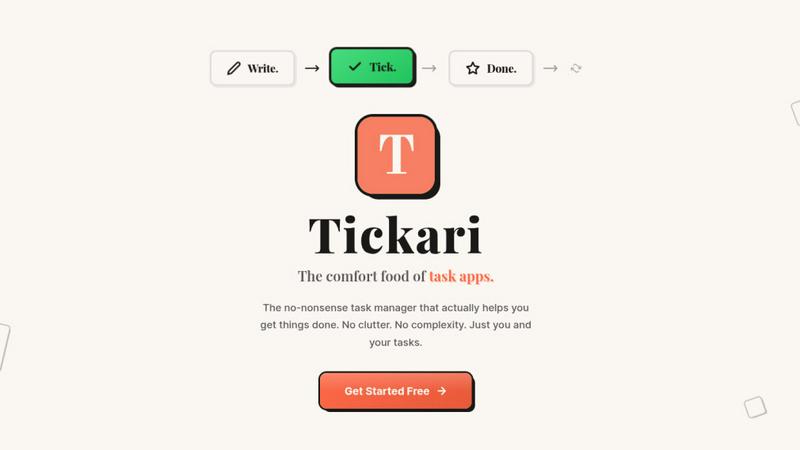
The no-nonsense task manager that actually helps you get things done. No clutter. No complexity. Just you and your tasks.
Visual Comparison
BRCKS

Tickari
Overview
About BRCKS
BRCKS is a revolutionary construction project management and communication software specifically designed for residential builders, trades, and homeowners. By consolidating project conversations, checklists, tasks, files, photos, and meeting notes into one centralized platform, BRCKS eliminates the chaos of scattered communications across WhatsApp, email, and various documents. Its intuitive design ensures that real construction teams can effortlessly manage day-to-day site communications, track actions, share client updates, and maintain a clear record of decisions throughout the project lifecycle. BRCKS is not just about managing tasks; it is about enhancing collaboration and ensuring that every team member, from project managers to subcontractors, stays informed and engaged. With BRCKS, you can expect a streamlined workflow that boosts productivity and clarity, making construction projects smoother and more efficient.
About Tickari
Tickari is a deliberately minimal, no-nonsense task manager designed for people who are tired of overcomplicated productivity tools and just want to get things done. Instead of overwhelming you with features like complex boards, AI-generated suggestions, or endless customization, Tickari focuses on a simple, frictionless workflow: write a task, tick it off, and move on.
The product embraces a “less but better” philosophy—eliminating clutter, reducing cognitive overhead, and removing the need for onboarding tutorials or setup processes. There are no distractions, no unnecessary decisions, and no feature bloat—just a clean interface that works instantly the moment you open it. This makes it particularly effective for users who feel stuck organizing tasks instead of actually completing them.