
About LightScroll
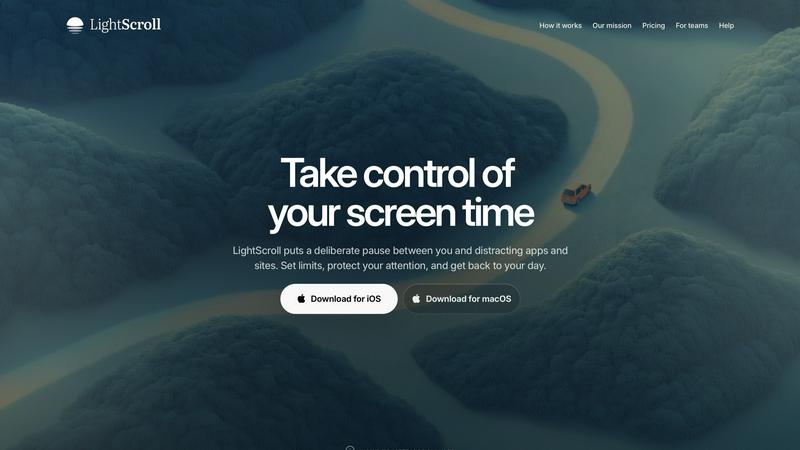
Take control of your screen time
LightScroll is a native iOS and macOS app that helps you spend less time on distracting apps and websites. It puts a deliberate pause between the impulse to open something and the moment you get access.
Set boundaries that fit your day
Choose daily limits, shorter sessions or scheduled boundaries. Use the kind of boundary that fits the time you want to protect, whether you are working, studying or making room for something away from a screen.
Pause before you open
Add a wait, breathing exercise or minigame before access. The pause gives you a moment to decide what you want to do next. At a limit, you can require a longer wait, ask an accountability partner for a six-digit code or allow no extra time.
Build momentum together
Streaks, XP and shared challenges help you keep going. Partner accountability offers another way to support the boundaries you set for yourself.
Start with the free-forever tier
A free-forever tier is available. LightScroll Plus adds customization and Hardcore mode to make impulsive rule changes harder. Plus does not currently offer a free trial. An account is required to use LightScroll.
Native on iPhone and Mac
LightScroll runs on iOS and macOS. Visit lightscroll.app for the product information and download options.
Explore more in this category:
Similar to LightScroll

Free fullscreen light screen tool online. Turn any display into a flashlight, ambient light, or solid-color screen. No download or sign-up.

Personal site of Vlad Kovnerov: analytics dashboards, web development, Telegram bots and browser tools for sellers and subscription tracking.

Fast file search for the Mac. Results as you type, files inside Mail and Photos, works with Wi-Fi off. $19 once.

Eighteen PDF tools in one native Mac window: merge, split, compress, OCR, Bates numbering, forms, signing and redaction. Offline. $29 once.

Hold a key, say what you mean, let go. Clean, punctuated text lands at the cursor in any app on your Mac or iPhone.

Mainspring turns the settings macOS hides into 90+ one-click, fully reversible power-ups for Finder, Dock, screenshots and more. $29 once.

A Mac menu bar app for a full disk. See what is using your space, read whether it comes back on its own, and remove only what you tick.

Catch a thought without leaving what you are doing. Notes, checklists and a little companion in your Mac's notch. $12 once.