
securememo.app
Securememo.app lets you create encrypted memos without accounts or tracking, ensuring total privacy and security.
Visit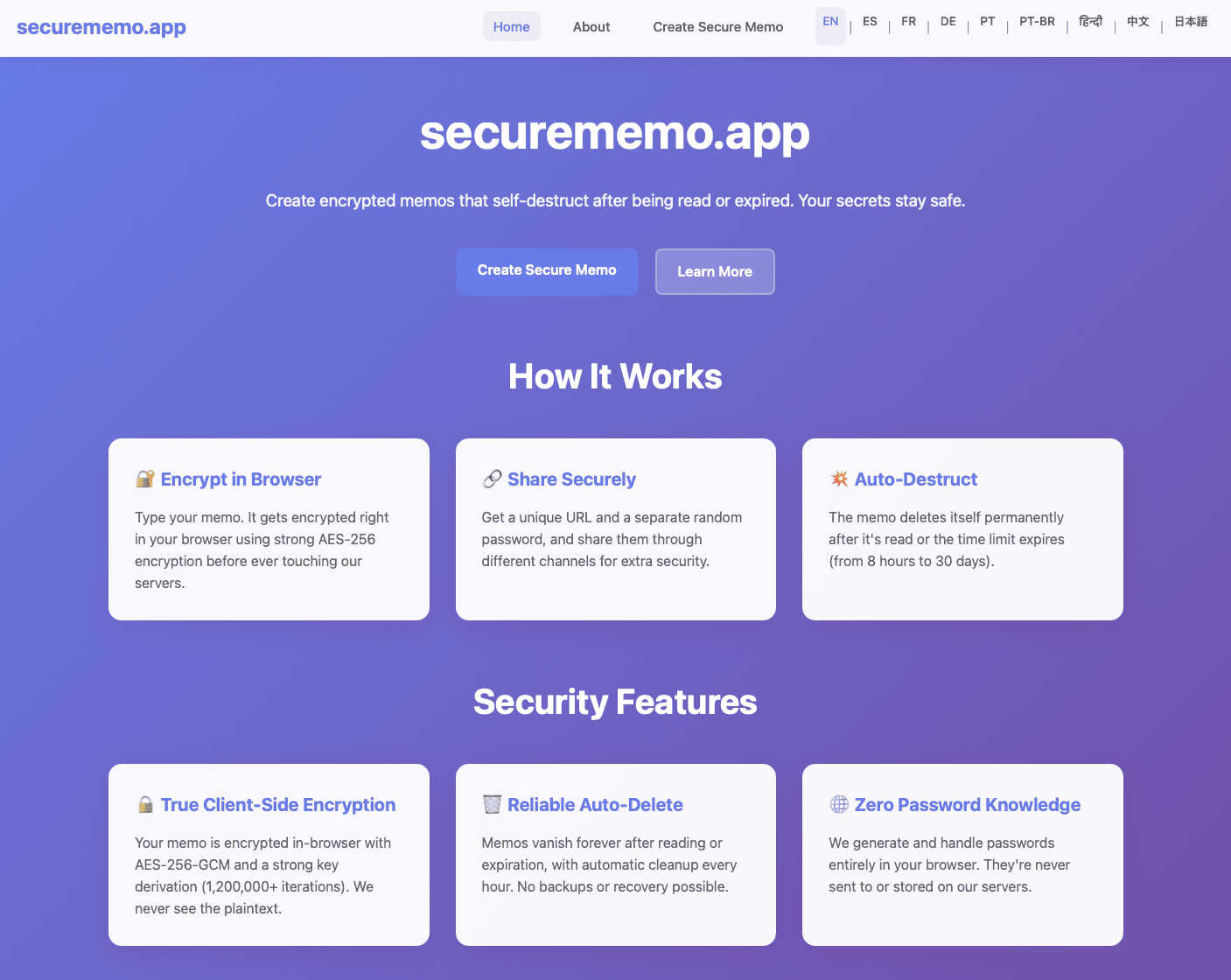
About securememo.app
Securememo.app is a revolutionary privacy-focused memo service designed to help users create and share encrypted, self-destructing notes directly from their web browsers. The primary goal of Securememo.app is to provide a secure environment for sharing sensitive information, ensuring that only the intended recipient has access. With client-side encryption, all notes are encrypted within your browser before reaching our servers, meaning that your data remains completely inaccessible to anyone but you. This makes Securememo.app ideal for individuals and businesses who prioritize confidentiality and want to protect their sensitive information from prying eyes. The service is incredibly user-friendly, requiring no accounts, thus preserving your anonymity. Available in over 20 languages, Securememo.app is accessible to a global audience looking for a simple yet powerful tool to keep their notes secure.
Features of securememo.app
Client-Side Encryption
Securememo.app employs robust client-side encryption, ensuring that all data is encrypted directly in your browser. This means that sensitive information is transformed into unreadable code before it ever reaches our servers, so only you can access your notes.
Self-Destructing Notes
Once shared, notes created on Securememo.app are set to self-destruct after being viewed. This feature enhances security by ensuring that sensitive information does not linger longer than necessary, providing peace of mind for users.
Unique Link and Password Sharing
To share your memos securely, you generate a unique link along with a strong, random password. This two-factor approach ensures that your notes can only be accessed by those you intend to share them with, minimizing the risk of unauthorized access.
No Account Required
Securememo.app eliminates the need for user accounts, which not only simplifies the user experience but also prioritizes your anonymity. You can create and share notes without the hassle of registration or personal information, making it incredibly efficient.
Use Cases of securememo.app
Secure Personal Notes
Individuals can use Securememo.app to jot down personal thoughts, reminders, or sensitive information that they do not want to store permanently or share openly. With self-destructing notes, these personal memos can be kept secure.
Business Communication
Teams can share confidential business information, such as project details or sensitive client data, through Securememo.app. The encrypted and self-destructing nature of the notes ensures that vital information remains protected.
Academic Collaboration
Students and educators can collaborate on projects and share sensitive academic notes without fear of data leakage. Securememo.app allows for quick and secure exchanges of ideas and information, fostering a productive learning environment.
Event Planning
For event planners, Securememo.app offers a secure way to share sensitive details about events, such as guest lists or vendor information. With the ability to create temporary notes, planners can maintain confidentiality throughout the planning process.
Frequently Asked Questions
How does Securememo.app ensure my data is secure?
Securememo.app uses client-side encryption, meaning your notes are encrypted in your browser before they are sent to our servers, ensuring only you can access them.
Can I access my notes after they self-destruct?
No, once a note has been viewed and the self-destruct timer has expired, the note is permanently deleted and cannot be retrieved.
Is there a limit to how many notes I can create?
Securememo.app does not impose strict limits on the number of notes you can create, allowing you to generate as many self-destructing memos as needed.
How do I share a memo securely?
To share a memo, generate a unique link and a strong password. Share the link with your intended recipient and communicate the password through a separate, secure channel.