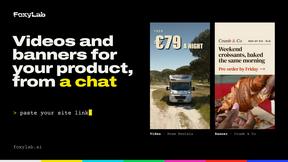

FoxyLab
FoxyLab creates product videos and multi-size banners through chat, with plain-language revisions and an API for code-driven jobs.

FoxyLab creates product videos and multi-size banners through chat, with plain-language revisions and an API for code-driven jobs.
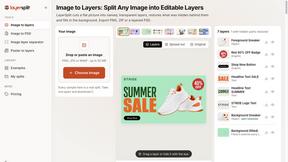

Split a flat image into named, transparent layers with the background filled in. Export PNG files, a ZIP or a layered PSD. Your first split is free.
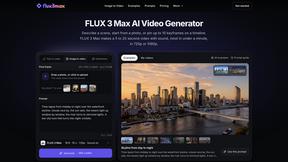

Make 5–20 s videos with sound from text or a photo with FLUX 3 Max. 720p or 1080p, pay per second, from $9.90, no subscription.
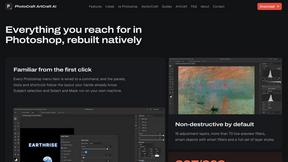

An independent guide to PhotoCraft, a free open-source image editor with downloads, tutorials, PSD support, and practical setup guidance.
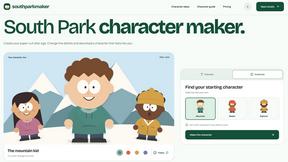

Create original paper-cut cartoon avatars in your browser, then export PNG or SVG.
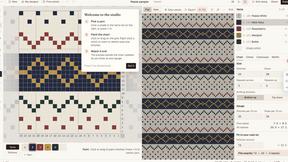

Free browser tool that turns a photo into a knitting chart. No account.
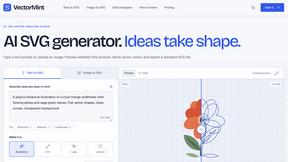

AI SVG generator for editable icons, logos, illustrations, and line art.
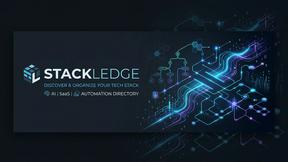

Curated directory of hand-tested SaaS, utility-first AI, and pre-built n8n workflows built for developers, indie hackers, and automation engineers.

Use a browser-based full-screen white page for display cleaning, pixel checks, tracing, and even light from a screen.
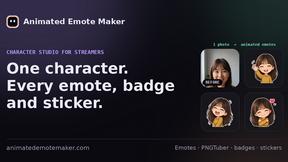

Turn a selfie or pet photo into animated Twitch & Discord emotes.
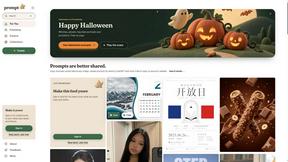

Promptclay is a discovery and sharing library for AI image prompts, pairing tested wording with example images and model details.
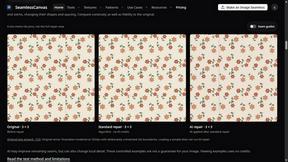

Create seamless textures and repeat-ready patterns with AI.
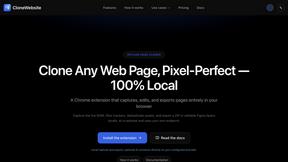

CloneWebsite is a Chrome extension that captures webpages locally, with an offline workbench and export to ZIP or Figma.
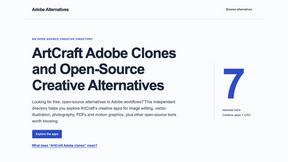

Explore open-source creative software by workflow, platform and development stage, with comparisons and official project links.
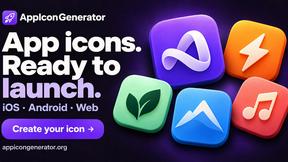

Create platform-ready app icon exports from an image, with previews and options for iOS, Android, web, and Chrome.
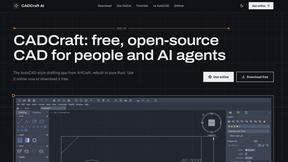

CADCraft is an open-source 2D drafting app with a browser edition and MCP, JSON and CLI controls for scripted or agent-led work.
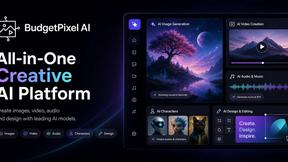

BudgetPixel combines AI image, video, and music generation with an editable design canvas and guided film workflows in one credit-based studio.
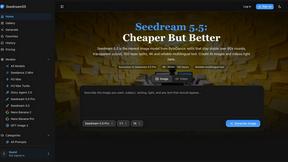

Seedream 5.5 by ByteDance: 80+ rounds of stable image editing, native RGBA transparency, 100-layer splits, 4K output and reliable multilingual text.
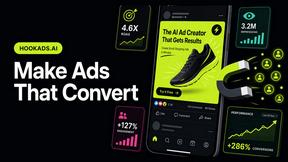

Free ad creative hub: 1,750+ prompts behind viral AI ads, 118 hook frameworks, teardowns, swipe files and 27 free AI ad tools.
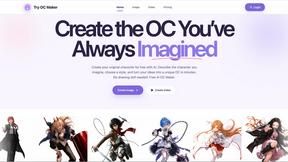

Try OC Maker creates original character artwork from descriptions or reference images, with anime, furry, fantasy, cartoon, and chibi styles.
Picture to Drawing is an innovative AI-driven online tool that allows users to effortlessly convert their photos into stunning artistic drawings. As a design tool, it caters to a diverse audience, from casual users wanting to elevate their social media presence to professional artists seeking inspiration. Users often explore alternatives due to factors such as varying pricing structures, additional features, or compatibility with specific platforms. When selecting an alternative, it's crucial to consider the range of art styles available, the quality of output, conversion speed, and user-friendliness of the interface. A versatile tool should cater to both novice users and seasoned artists, ensuring that the creative process remains simple and enjoyable while delivering high-quality results.
Picture to Drawing is an AI-powered online tool that transforms photos into artistic drawings, offering multiple styles like pencil sketches and watercolor paintings.
It is designed for anyone from casual users looking to enhance their images to professional artists seeking creative inspiration.
Yes, Picture to Drawing is free and easy to use online, requiring no downloads or subscriptions.
Main features include multiple art styles, high-quality output, fast conversions, and a user-friendly interface.