JobHustler vs MindMap AI
Side-by-side comparison to help you choose the right product.

JobHustler
JobHustler instantly tailors your resume and cover letter for any job.
Last updated: March 4, 2026

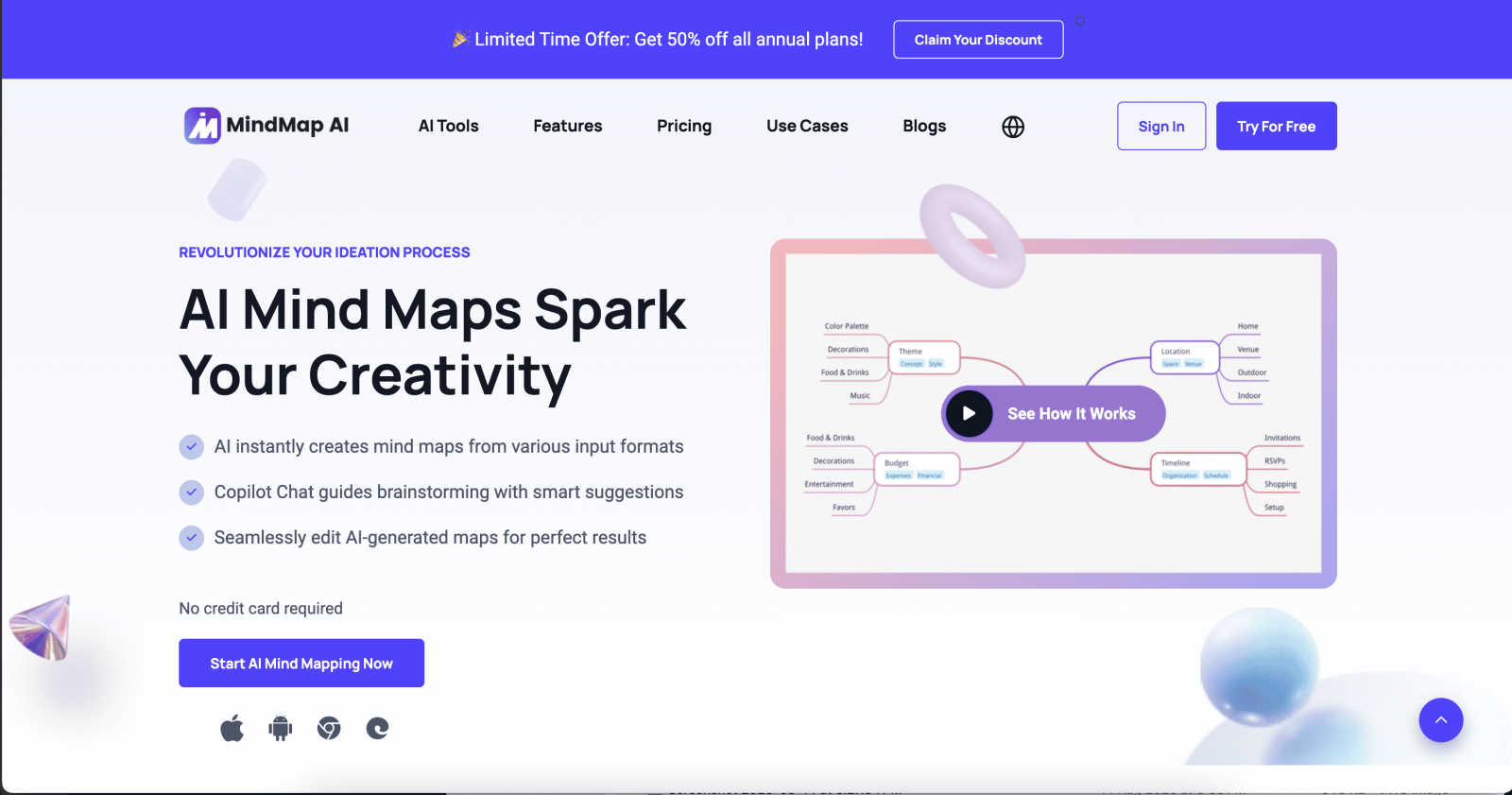
Effortlessly turn your ideas into stunning, structured mind maps with MindMap AI's smart co-creation and flexible.
Last updated: March 1, 2026
Visual Comparison
JobHustler

MindMap AI
Feature Comparison
JobHustler
AI-Powered Tailoring
JobHustler's core engine analyzes the job description you provide to identify critical keywords, required skills, and company tone. It then dynamically rewrites your experience and qualifications to create a perfectly aligned resume and cover letter. This isn't just filling in blanks; it's intelligent customization that makes your application relevant and compelling for each specific role you target.
ATS-Optimized Formatting
Many resumes are rejected before a human ever sees them by automated Applicant Tracking Systems. JobHustler is built to beat the bots. It generates documents with clean, parsable structures, strategic keyword placement, and correct formatting to ensure your application passes through these digital gatekeepers and lands directly in the hiring manager's review pile.
Dynamic Cover Letter Generation
Stop writing generic letters. JobHustler creates cover letters that are customized to the specific company and position. It incorporates details from the job description, structures the letter professionally, and adapts the tone to match the role—from creative to corporate. You get a persuasive, ready-to-submit letter that demonstrates genuine interest and fit in minutes.
Employer Lens Scoring & Tone Variety
Gain an edge by seeing your resume through the employer's eyes. The Employer Lens feature provides insights into how your application might be perceived. Furthermore, you can tailor your documents with five different tones and six cover letter types, allowing you to strategically adjust your presentation for a startup vibe, a formal corporate role, or anything in between.
MindMap AI
AI Thinking Mode for Accuracy
MindMap AI utilizes a step-by-step reasoning engine that comprehensively understands context, hierarchy, and relationships before generating your mind map. This guarantees that every mind map is structured and meaningful right from the start, avoiding random branches thrown together.
File-to-Map Conversion
Transform any type of content—be it text, PDFs, images, audio, video, Markdown, or CSV—into a clean and visually appealing mind map instantly. Instead of manually formatting a mind map, users can dive straight into thinking, planning, and creating.
Continuous Editing
Users can build their mind maps manually or with AI assistance that co-creates alongside them. MindMap AI allows for seamless expansion, summarization, and reorganization of ideas, ensuring full manual control whenever needed while enhancing the creative process.
Flexible Layouts
MindMap AI offers the ability to switch effortlessly between Mind Map, Org Chart, and Logic Chart views. This flexibility allows users to explore and present their ideas from multiple perspectives without the hassle of rebuilding their mind map each time.
Use Cases
JobHustler
The High-Volume Applicant
You're applying to dozens of roles and need to customize each application quickly without sacrificing quality. JobHustler lets you paste a new job description and generate a tailored set of documents in under a minute, enabling you to maintain a high-volume, high-quality application pace that would be impossible manually.
The Career Changer
Transitioning to a new field means your resume doesn't automatically align with new roles. JobHustler helps translate your existing skills and experience into the relevant language of your target industry, crafting bullet points and cover letter narratives that highlight transferable skills and demonstrate your fit for a non-linear career path.
The ATS Anxiety Sufferer
Worried your perfectly formatted resume is getting lost in a digital black hole? JobHustler removes the guesswork. By generating ATS-optimized documents from the start, it ensures your technical skills, keywords, and experience are presented in a way that automated systems can read and rank highly, giving you peace of mind.
The Last-Minute Applicant
Found the perfect job but the deadline is looming? With no account setup required and instant generation, JobHustler is built for speed. You can go from a job description to a polished, professional, and tailored application ready for submission in just a few clicks, ensuring you never miss an opportunity due to time constraints.
MindMap AI
Project Planning
Teams can utilize MindMap AI for project planning by brainstorming ideas, outlining tasks, and establishing timelines. This visual approach helps ensure that all team members are aligned and aware of project goals.
Meeting Insights
After a meeting, users can convert spoken or written notes into structured mind maps. This helps in capturing critical insights and decisions made during discussions, ensuring nothing gets overlooked.
Research Organization
Researchers can leverage MindMap AI to organize and visualize their findings. By converting articles, papers, or data into mind maps, they can identify relationships and insights that might be missed in traditional formats.
Strategy Alignment
Organizations can use MindMap AI to align strategies among teams. By collaboratively mapping out objectives, goals, and action plans, teams can ensure everyone is on the same page and working towards common targets.
Overview
About JobHustler
JobHustler is your AI-powered co-pilot for landing interviews. It transforms the tedious, time-consuming process of tailoring job applications into a fast, precise, and effective operation. Designed for job seekers at any level, from recent graduates to seasoned professionals, JobHustler eliminates the guesswork. You simply paste a target job description, and its advanced AI engine gets to work in seconds, generating a professionally structured resume and a compelling cover letter that speak directly to what the employer wants. It goes beyond simple templates by analyzing keywords, optimizing formatting for Applicant Tracking Systems (ATS), and refining language for maximum impact. With no account required to start and a free tier that recharges, you can test and refine your approach on the fly. JobHustler delivers clarity, eliminates hours of work, and sharpens your application into a powerful tool designed for one purpose: getting you noticed.
About MindMap AI
MindMap AI is a cutting-edge, AI-powered mind mapping software tailored for professionals and teams eager to boost their productivity and creativity. This innovative tool effortlessly transforms diverse inputs—including ideas, files (PDFs, documents, presentations), and recordings (meetings, lectures, training sessions)—into visually engaging mind maps in moments. Designed for corporate environments, MindMap AI enables teams to brainstorm, organize knowledge, and convert complex information into actionable workflows and strategies quickly. With features such as Co-Pilot Chat, auto-expansion, summarization, and second-order connections, every mind map becomes an interactive workspace. Users can ask questions, refine strategies, and uncover hidden insights directly within their maps. Available across web, mobile, and extensions, MindMap AI offers multi-format exports including Word, PPTX, PDF, PNG, and Markdown. Whether planning, capturing meeting insights, or analyzing research, MindMap AI helps organizations navigate from chaos to clarity—faster and smarter than ever before.
Frequently Asked Questions
JobHustler FAQ
How does JobHustler ensure my resume is ATS-friendly?
JobHustler is engineered specifically for ATS compatibility. It uses clean, standard section headers, avoids complex formatting like columns or graphics, and strategically integrates relevant keywords from the job description in a natural way. The output is a document structured for both human readability and optimal machine parsing.
What is the "Employer Lens" feature?
The Employer Lens is a scoring and feedback tool that analyzes your generated content to predict how an employer or hiring manager might view it. It provides insights on clarity, impact, and relevance, allowing you to refine your application with an understanding of its perceived strengths and weaknesses before you hit submit.
Do I need to create an account to use JobHustler?
No, you can start using JobHustler immediately without any account setup. This allows for quick testing and generation. Your free credits recharge over time, and if you choose to purchase a plan, the process is streamlined for immediate access without mandatory registration barriers.
What file formats can I upload for my resume?
JobHustler accepts common document formats for upload, including PDF, DOCX (Microsoft Word), and plain TXT files. This flexibility allows you to start from an existing resume easily. The AI will then use the content from your uploaded file as the foundation to tailor and optimize for the new job description.
MindMap AI FAQ
How does MindMap AI convert files into mind maps?
MindMap AI uses advanced algorithms to analyze the content of various file types—such as PDFs, images, and documents—and then generates a structured mind map that encapsulates the key ideas and relationships.
Can I collaborate with others on MindMap AI?
Yes, MindMap AI allows for co-editing, enabling teams to collaborate in real-time. This ensures that everyone's input is respected and integrated into the mind map without overwriting previous contributions.
Is MindMap AI available on mobile devices?
Absolutely! MindMap AI is accessible across web and mobile platforms, ensuring that users can create and edit mind maps wherever they are.
What types of exports does MindMap AI support?
MindMap AI offers a variety of export options, including Word, PPTX, PDF, PNG, and Markdown. This versatility allows users to share their mind maps in formats that suit their specific needs.
Alternatives
JobHustler Alternatives
JobHustler is a dynamic AI-powered tool in the productivity and management category, designed to generate tailored, ATS-friendly resumes and cover letters instantly without requiring an account. It streamlines the job application process by analyzing job descriptions and producing professional documents in minutes. Users often explore alternatives for various reasons, including specific budget constraints, the need for different feature sets like LinkedIn profile builders or interview prep, or a preference for platforms with integrated job search capabilities. Some may seek tools with different usage models or more extensive customization options. When evaluating other solutions, focus on core needs: the quality of AI-driven customization, ATS optimization capabilities, ease of use, and transparent pricing or free tiers. The right tool should match your desired workflow, whether you need speed for multiple applications or depth for a single, perfect document.
MindMap AI Alternatives
MindMap AI is the premier AI-powered mind mapping software designed for professionals and teams aiming to boost their productivity and creativity. By transforming various inputs like ideas, files, and recordings into visually engaging mind maps, it serves as a powerful tool for organizing thoughts and strategies dynamically. Users often seek alternatives due to factors such as pricing, specific feature sets, or compatibility with different platforms and devices. When choosing an alternative, it’s essential to consider the software’s ease of use, integration capabilities, and the range of features that can enhance brainstorming and ideation processes effectively. --- [{"question": "What is MindMap AI?", "answer": "MindMap AI is an AI-powered mind mapping software that helps users create visually dynamic mind maps from various inputs such as ideas, files, and recordings."}, {"question": "Who is MindMap AI for?", "answer": "MindMap AI is designed for professionals and teams looking to enhance their productivity and creativity through effective visualization of ideas."}, {"question": "Is MindMap AI free?", "answer": "MindMap AI offers various pricing plans, but specific details about free access should be checked on their official website."}, {"question": "What are the main features of MindMap AI?", "answer": "Key features of MindMap AI include AI-powered mind mapping, Co-Pilot Chat for brainstorming, file-to-map conversion, and continuous editing capabilities."}]