
MindMap AI
Effortlessly turn your ideas into stunning, structured mind maps with MindMap AI's smart co-creation and flexible.
Visit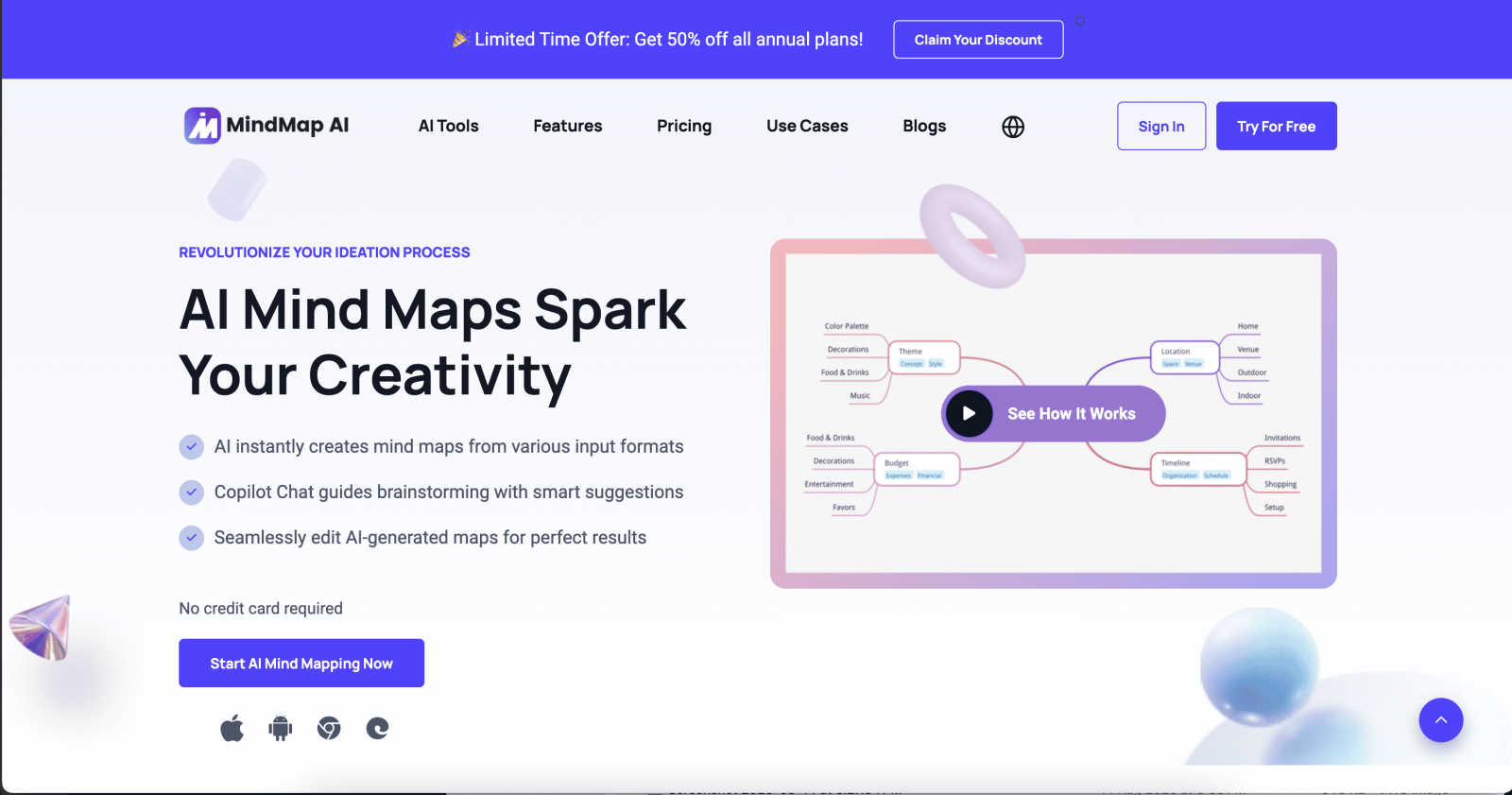
About MindMap AI
MindMap AI is a cutting-edge, AI-powered mind mapping software tailored for professionals and teams eager to boost their productivity and creativity. This innovative tool effortlessly transforms diverse inputs—including ideas, files (PDFs, documents, presentations), and recordings (meetings, lectures, training sessions)—into visually engaging mind maps in moments. Designed for corporate environments, MindMap AI enables teams to brainstorm, organize knowledge, and convert complex information into actionable workflows and strategies quickly. With features such as Co-Pilot Chat, auto-expansion, summarization, and second-order connections, every mind map becomes an interactive workspace. Users can ask questions, refine strategies, and uncover hidden insights directly within their maps. Available across web, mobile, and extensions, MindMap AI offers multi-format exports including Word, PPTX, PDF, PNG, and Markdown. Whether planning, capturing meeting insights, or analyzing research, MindMap AI helps organizations navigate from chaos to clarity—faster and smarter than ever before.
Features of MindMap AI
AI Thinking Mode for Accuracy
MindMap AI utilizes a step-by-step reasoning engine that comprehensively understands context, hierarchy, and relationships before generating your mind map. This guarantees that every mind map is structured and meaningful right from the start, avoiding random branches thrown together.
File-to-Map Conversion
Transform any type of content—be it text, PDFs, images, audio, video, Markdown, or CSV—into a clean and visually appealing mind map instantly. Instead of manually formatting a mind map, users can dive straight into thinking, planning, and creating.
Continuous Editing
Users can build their mind maps manually or with AI assistance that co-creates alongside them. MindMap AI allows for seamless expansion, summarization, and reorganization of ideas, ensuring full manual control whenever needed while enhancing the creative process.
Flexible Layouts
MindMap AI offers the ability to switch effortlessly between Mind Map, Org Chart, and Logic Chart views. This flexibility allows users to explore and present their ideas from multiple perspectives without the hassle of rebuilding their mind map each time.
Use Cases of MindMap AI
Project Planning
Teams can utilize MindMap AI for project planning by brainstorming ideas, outlining tasks, and establishing timelines. This visual approach helps ensure that all team members are aligned and aware of project goals.
Meeting Insights
After a meeting, users can convert spoken or written notes into structured mind maps. This helps in capturing critical insights and decisions made during discussions, ensuring nothing gets overlooked.
Research Organization
Researchers can leverage MindMap AI to organize and visualize their findings. By converting articles, papers, or data into mind maps, they can identify relationships and insights that might be missed in traditional formats.
Strategy Alignment
Organizations can use MindMap AI to align strategies among teams. By collaboratively mapping out objectives, goals, and action plans, teams can ensure everyone is on the same page and working towards common targets.
Frequently Asked Questions
How does MindMap AI convert files into mind maps?
MindMap AI uses advanced algorithms to analyze the content of various file types—such as PDFs, images, and documents—and then generates a structured mind map that encapsulates the key ideas and relationships.
Can I collaborate with others on MindMap AI?
Yes, MindMap AI allows for co-editing, enabling teams to collaborate in real-time. This ensures that everyone's input is respected and integrated into the mind map without overwriting previous contributions.
Is MindMap AI available on mobile devices?
Absolutely! MindMap AI is accessible across web and mobile platforms, ensuring that users can create and edit mind maps wherever they are.
What types of exports does MindMap AI support?
MindMap AI offers a variety of export options, including Word, PPTX, PDF, PNG, and Markdown. This versatility allows users to share their mind maps in formats that suit their specific needs.
Explore more in this category:
Similar to MindMap AI

AI-powered CA practice, task, meeting, OKR, and workflow management software for growing teams.

imgtxtapp.laviolab.com is a Telegram-based image-to-text converter that turns photos, screenshots, scanned documents into editable text

Apps and files on an infinite canvas where people and AI agents work together.

Team calendar for engineering managers to plan vacations, on-call weeks, project work, and releases together.

An interactive coding platform featuring bite-sized Python exercises designed to build real coding skills through hands-on practice.

Panzoe is an all-in-one AI platform for personal productivity, business automation, AI assistants, content creation, and custom AI solutions.

AI academic assistant for writing, research, presentations, and coding

PracticeSIEM.com is an interactive, browser-based hands-on cybersecurity learning platform designed for Security Operations Center (SOC) analysts.