
LuxSign vs MindMap AI
Side-by-side comparison to help you choose the right product.

LuxSign simplifies document signing with secure, legally valid electronic signatures in minutes, compliant across the.
Last updated: February 26, 2026

MindMap AI
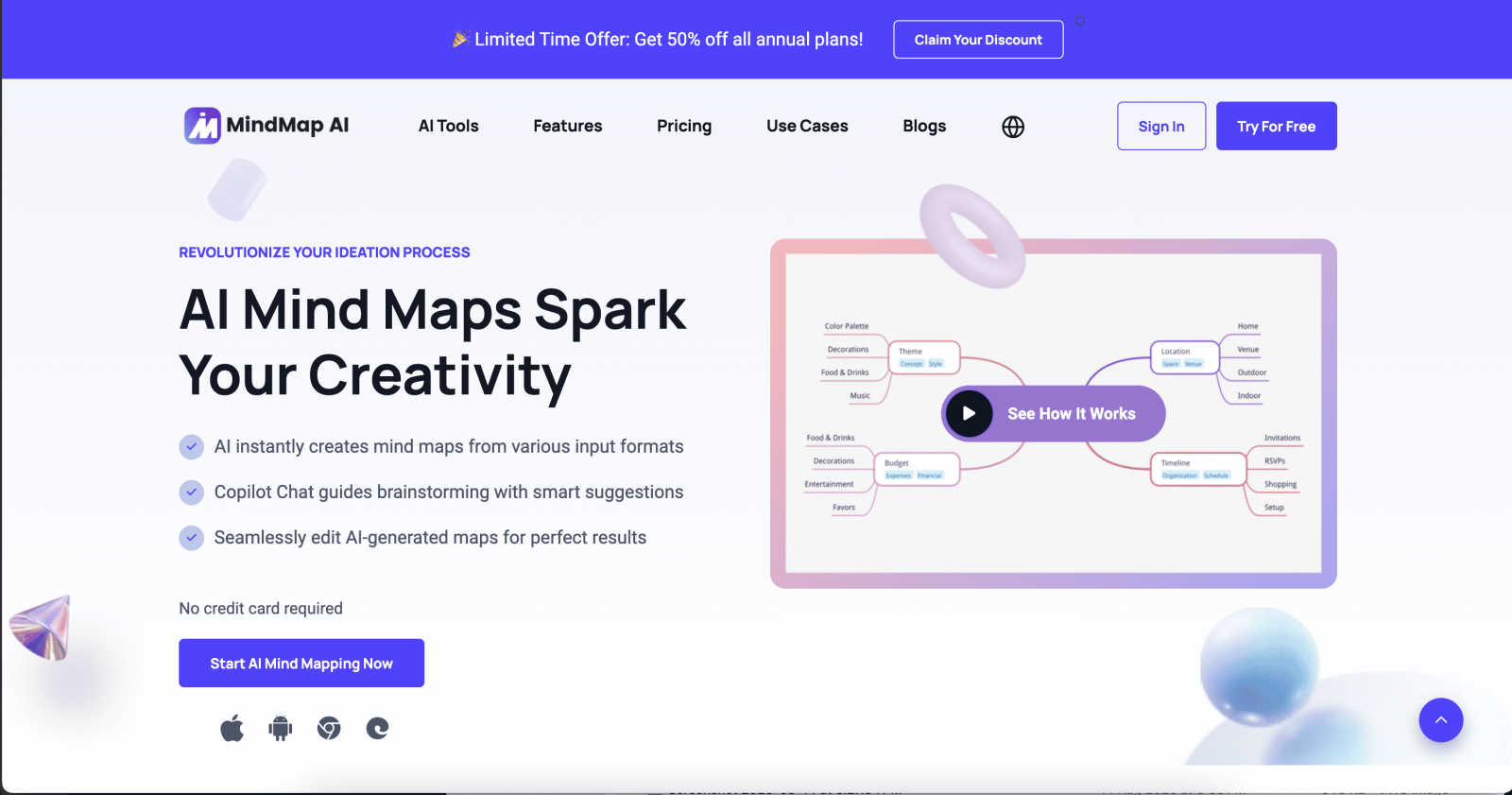
Effortlessly turn your ideas into stunning, structured mind maps with MindMap AI's smart co-creation and flexible.
Last updated: March 1, 2026
Visual Comparison
LuxSign

MindMap AI
Feature Comparison
LuxSign
Multiple Signature Methods
LuxSign provides various options for signing documents, enhancing user convenience. You can draw your signature with your mouse, type your name, or upload an image. This flexibility ensures that users can quickly and easily complete their signing tasks, making the process as seamless as possible.
Advanced Security
Security is paramount with LuxSign. The platform employs industry-standard encryption protocols to protect your documents during upload, storage, and transmission. With secure data hosting in Luxembourg, users can rest assured that their sensitive information remains confidential and protected against unauthorized access.
Collaboration Workspaces
LuxSign offers collaboration workspaces that allow teams to work together efficiently. Users can create shared spaces to organize documents, manage member access, and collaborate on signing workflows. This feature is particularly beneficial for teams that need to streamline their document processes and enhance teamwork.
Complete Audit Trail
The platform provides a comprehensive audit trail that logs every action taken on a document. Detailed logs include timestamps, IP addresses, and signer information, ensuring transparency and compliance. This feature is essential for businesses needing to maintain accurate records for legal and verification purposes.
MindMap AI
AI Thinking Mode for Accuracy
MindMap AI utilizes a step-by-step reasoning engine that comprehensively understands context, hierarchy, and relationships before generating your mind map. This guarantees that every mind map is structured and meaningful right from the start, avoiding random branches thrown together.
File-to-Map Conversion
Transform any type of content—be it text, PDFs, images, audio, video, Markdown, or CSV—into a clean and visually appealing mind map instantly. Instead of manually formatting a mind map, users can dive straight into thinking, planning, and creating.
Continuous Editing
Users can build their mind maps manually or with AI assistance that co-creates alongside them. MindMap AI allows for seamless expansion, summarization, and reorganization of ideas, ensuring full manual control whenever needed while enhancing the creative process.
Flexible Layouts
MindMap AI offers the ability to switch effortlessly between Mind Map, Org Chart, and Logic Chart views. This flexibility allows users to explore and present their ideas from multiple perspectives without the hassle of rebuilding their mind map each time.
Use Cases
LuxSign
Streamlining Contract Management
Businesses can utilize LuxSign to streamline their contract management processes. By enabling multiple signers and setting up parallel signing workflows, organizations can reduce the time it takes to finalize important agreements, allowing for faster decision-making and execution.
Secure Document Sharing
LuxSign is perfect for securely sharing sensitive documents. With end-to-end encryption and GDPR compliance, businesses can confidently send documents for signature, knowing that their data is safe and legally valid across the EU.
Facilitating Remote Work
In an increasingly remote work environment, LuxSign allows teams to sign and manage documents from anywhere. Its mobile and tablet-friendly design ensures that users can access and complete their signing tasks even on the go, enhancing overall productivity.
Enhancing Compliance and Legal Verification
For businesses in regulated industries, LuxSign’s complete audit trail and eIDAS SES compliance make it an invaluable tool for ensuring compliance with legal standards. Organizations can easily verify document integrity and signer authenticity, mitigating risks associated with disputes.
MindMap AI
Project Planning
Teams can utilize MindMap AI for project planning by brainstorming ideas, outlining tasks, and establishing timelines. This visual approach helps ensure that all team members are aligned and aware of project goals.
Meeting Insights
After a meeting, users can convert spoken or written notes into structured mind maps. This helps in capturing critical insights and decisions made during discussions, ensuring nothing gets overlooked.
Research Organization
Researchers can leverage MindMap AI to organize and visualize their findings. By converting articles, papers, or data into mind maps, they can identify relationships and insights that might be missed in traditional formats.
Strategy Alignment
Organizations can use MindMap AI to align strategies among teams. By collaboratively mapping out objectives, goals, and action plans, teams can ensure everyone is on the same page and working towards common targets.
Overview
About LuxSign
LuxSign is a cutting-edge electronic signature platform designed for businesses that prioritize security and compliance. Built in Luxembourg, this cloud-based service ensures that all documents are securely encrypted and stored within the country, adhering strictly to GDPR regulations. LuxSign caters to various industries requiring robust legal validity, supporting eIDAS SES standards that allow contracts to be recognized across the European Union. The platform is perfect for professionals, small teams, and enterprises alike, offering a seamless experience for signing and managing documents online in just a few clicks. With its user-friendly interface, LuxSign empowers users to create parallel or sequential signing workflows, manage multiple signers, and receive automated notifications, making it an ideal solution for efficient and compliant document management.
About MindMap AI
MindMap AI is a cutting-edge, AI-powered mind mapping software tailored for professionals and teams eager to boost their productivity and creativity. This innovative tool effortlessly transforms diverse inputs—including ideas, files (PDFs, documents, presentations), and recordings (meetings, lectures, training sessions)—into visually engaging mind maps in moments. Designed for corporate environments, MindMap AI enables teams to brainstorm, organize knowledge, and convert complex information into actionable workflows and strategies quickly. With features such as Co-Pilot Chat, auto-expansion, summarization, and second-order connections, every mind map becomes an interactive workspace. Users can ask questions, refine strategies, and uncover hidden insights directly within their maps. Available across web, mobile, and extensions, MindMap AI offers multi-format exports including Word, PPTX, PDF, PNG, and Markdown. Whether planning, capturing meeting insights, or analyzing research, MindMap AI helps organizations navigate from chaos to clarity—faster and smarter than ever before.
Frequently Asked Questions
LuxSign FAQ
What types of documents can I sign with LuxSign?
You can sign various document formats including PDFs, DOC, and DOCX. LuxSign supports automatic conversion for these files, making it easy to upload and sign your documents.
Is LuxSign compliant with GDPR?
Yes, LuxSign is fully compliant with GDPR and Luxembourg data protection laws. All documents are securely stored and encrypted, ensuring your privacy and compliance with EU regulations.
How do I track the progress of my documents?
LuxSign allows you to track the progress of your documents in real-time. You will receive automatic email notifications when documents are sent, viewed, and signed, keeping you informed throughout the process.
Can I customize my signing experience?
Absolutely! LuxSign offers custom branding options for businesses. You can personalize your signing experience and enhance your brand's visibility during the document signing process.
MindMap AI FAQ
How does MindMap AI convert files into mind maps?
MindMap AI uses advanced algorithms to analyze the content of various file types—such as PDFs, images, and documents—and then generates a structured mind map that encapsulates the key ideas and relationships.
Can I collaborate with others on MindMap AI?
Yes, MindMap AI allows for co-editing, enabling teams to collaborate in real-time. This ensures that everyone's input is respected and integrated into the mind map without overwriting previous contributions.
Is MindMap AI available on mobile devices?
Absolutely! MindMap AI is accessible across web and mobile platforms, ensuring that users can create and edit mind maps wherever they are.
What types of exports does MindMap AI support?
MindMap AI offers a variety of export options, including Word, PPTX, PDF, PNG, and Markdown. This versatility allows users to share their mind maps in formats that suit their specific needs.
Alternatives
LuxSign Alternatives
LuxSign is a cutting-edge electronic signature platform developed in Luxembourg, specifically designed to meet the needs of businesses requiring high compliance in document signing. As a secure, cloud-based solution, it adheres to eIDAS SES standards, ensuring that signatures are legally valid across all EU member states. Users often seek alternatives to LuxSign for various reasons, including pricing concerns, specific feature requirements, or different platform needs that align more closely with their operational workflows. When searching for an alternative to LuxSign, it's essential to evaluate crucial factors such as compliance with legal standards, data security measures, and ease of use. Additionally, consider the range of features offered, such as signing workflows, document management capabilities, and integration options with existing systems. By focusing on these elements, businesses can find an electronic signature solution that best suits their unique requirements.
MindMap AI Alternatives
MindMap AI is the premier AI-powered mind mapping software designed for professionals and teams aiming to boost their productivity and creativity. By transforming various inputs like ideas, files, and recordings into visually engaging mind maps, it serves as a powerful tool for organizing thoughts and strategies dynamically. Users often seek alternatives due to factors such as pricing, specific feature sets, or compatibility with different platforms and devices. When choosing an alternative, it’s essential to consider the software’s ease of use, integration capabilities, and the range of features that can enhance brainstorming and ideation processes effectively. --- [{"question": "What is MindMap AI?", "answer": "MindMap AI is an AI-powered mind mapping software that helps users create visually dynamic mind maps from various inputs such as ideas, files, and recordings."}, {"question": "Who is MindMap AI for?", "answer": "MindMap AI is designed for professionals and teams looking to enhance their productivity and creativity through effective visualization of ideas."}, {"question": "Is MindMap AI free?", "answer": "MindMap AI offers various pricing plans, but specific details about free access should be checked on their official website."}, {"question": "What are the main features of MindMap AI?", "answer": "Key features of MindMap AI include AI-powered mind mapping, Co-Pilot Chat for brainstorming, file-to-map conversion, and continuous editing capabilities."}]